 COSM-GAME
 How to Upgrade Pokémon Legends: Z-A to the Switch 2 Edition
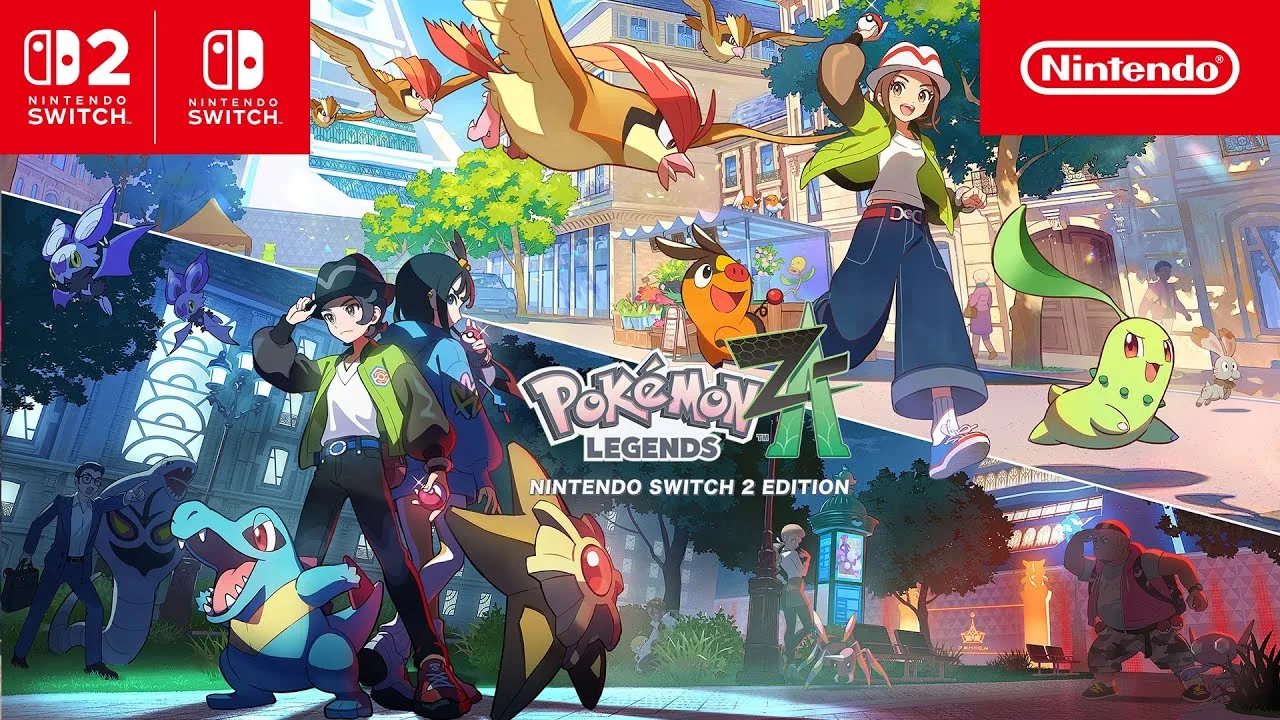
Pokémon Legends: Z-A owners do not need to buy the full game again to use the Nintendo Switch 2 Edition. Nintendo sells a dedicated Upgrade Pack for players who already own the Nintendo Switch version, whether the base copy is digital or physical. The upgraded edition adds improved performance, enhanced resolution, and smoother frame rates, but those enhancements require Nintendo Switch 2 hardware. Nintendo also states that the base game must be available on the Switch 2 system—through a physical game card or loaded virtual game card—alongside the Upgrade Pack.
Guide facts
On this page
You need the base game and the Upgrade Pack
You need two things on Nintendo Switch 2: access to the Nintendo Switch base game and the Nintendo Switch 2 Edition Upgrade Pack. The base game can be digital or physical, but it still has to be available to the Switch 2 system when launching the upgraded edition. For a digital copy, that means the relevant Virtual Game Card access; for a physical copy, the game card is still part of the launch requirement.
Do not buy the Upgrade Pack expecting it to function as a standalone game. Nintendo's store page identifies Pokémon Legends: Z-A as required content. The Switch 2-specific improvements—higher performance, enhanced resolution, and smoother frame rates—are benefits of running the upgraded edition on Switch 2 hardware.
Buy the pack, then install it on Switch 2
6 stepsOn the Nintendo Account that will use the upgrade, verify ownership or access to the Switch base game, then purchase the dedicated Upgrade Pack from Nintendo eShop or Nintendo's store. On Switch 2, make sure the base game is present through the physical game card or loaded Virtual Game Card, download the upgrade content, and launch the game.
After launch, confirm you are running on Switch 2 hardware before judging the upgrade by visual or performance differences. Inserting the underlying game card into an original Switch still gives access to the Nintendo Switch version, without the Switch 2-exclusive enhancements.
Higher resolution and smoother frame rates
Nintendo describes the Switch 2 Edition improvements as improved performance, enhanced resolution, and smoother frame rates. The Upgrade Pack changes the version used on Switch 2; it does not create a separate second adventure or replace the need for the base game.
The same ownership model matters for related downloadable content. Mega Dimension is compatible with both the Nintendo Switch and Switch 2 editions, but it remains separate DLC. Upgrading the game edition should not be confused with buying the expansion story.
The pack does nothing on original Switch hardware
Switch 2 hardware is required for the Switch 2 Edition enhancements. On original Switch hardware, the base Nintendo Switch version is what plays. A purchased Upgrade Pack does not make an original Switch output the Switch 2 performance or resolution improvements.
The base game must remain available on the system. Nintendo's support page states that, on Switch 2, the system needs a copy of Z-A as a physical game card or Virtual Game Card alongside the Upgrade Pack. This is the first ownership check when the upgraded edition does not launch.
If the game still launches as the base edition
Upgrade purchased but game will not start: verify that the base game is actually available to the Switch 2 system, not merely purchased by another account without current access. Physical owner: insert the correct game card. Digital owner: check the Virtual Game Card and Nintendo Account context.
Game launches but looks like the base edition: confirm the console is Nintendo Switch 2 and that the Upgrade Pack download completed. Do not use an original Switch as the test device for Switch 2-exclusive enhancements.
Trailer, screenshots, and media
The Switch 2 Edition trailers show the resolution and frame-rate difference against the original Switch version.
FAQ
6 questionsYes. The official Pokémon announcement says both physical and digital Switch owners can purchase the upgrade pack.
Nintendo lists improved performance, enhanced resolution, and smoother frame rates.
No, not if you already own an eligible Switch copy; the upgrade-pack route is available.
No. The base Pokémon Legends: Z-A game is required.
You play the Nintendo Switch version/content without the Switch 2-exclusive enhancements.
Confirm the pack shows as Purchased, load its virtual game card on Switch 2, and make sure the base game is also available on the system.