 COSM-GAME
 How to Connect Pokémon Legends: Z-A to Pokémon HOME
Pokémon Legends: Z-A connects to Pokémon HOME through the Nintendo Switch app, but the transfer rules are stricter than moving any Pokémon between any supported game. A Pokémon brought into Z-A cannot return to previous Pokémon games, and the first qualifying transfer unlocks Alpha starter Mystery Gifts in the mobile app.
Guide facts
On this page
Use the Switch version of Pokémon HOME
Use the Nintendo Switch version of Pokémon HOME for the actual game connection. Select the Nintendo Account and user that can access the Z-A save data you intend to manage. If you also want the first-transfer Alpha starter Mystery Gifts in the mobile HOME app, the Switch and mobile versions need to be linked to the same Nintendo Account.
Decide the direction of each transfer before moving anything. Compatibility is destination-specific, and the one-way rules can make a transfer irreversible with respect to older games. A Pokémon moved from a previous supported title into Z-A cannot later return to previous Pokémon video games, so do not treat Z-A as temporary storage for a Pokémon you expect to send back.
Link HOME and move compatible Pokémon
7 stepsUpdate Z-A and Pokémon HOME, open HOME on Nintendo Switch, choose Pokémon from the main menu, then select Pokémon Legends: Z-A and the correct user save. The box interface shows which Pokémon can move into the selected destination; use those compatibility indicators instead of assuming that every Pokémon stored in HOME is legal for Z-A.
Move the compatible Pokémon between HOME and game boxes, then save the box changes before exiting. For the first-transfer gift, complete a qualifying transfer from Z-A to HOME and then check Mystery Gift in the mobile HOME app linked to the same Nintendo Account. The Switch app handles the game connection; the mobile app handles the gift claim.
Alpha starter gifts arrive in mobile HOME
A successful connection gives access to the Z-A save through HOME's box-management flow. Transfer availability is not universal: a species must be able to appear in the destination game. HOME can therefore show some stored Pokémon as unavailable for the currently selected destination while allowing others to move.
The first qualifying transfer can make Alpha Chikorita, Alpha Tepig, and Alpha Totodile available as Mystery Gifts for eligible linked accounts. Because the gift claim is in mobile HOME, finishing the Switch transfer without checking the linked mobile app can make the promotion appear to be missing.
Transfers into Z-A cannot be reversed
Pokémon originating in Z-A cannot be moved to previous Pokémon titles. In the other direction, a Pokémon brought from a previous title into Z-A cannot later return to previous Pokémon video games. These rules are more important than the mechanics of dragging a Pokémon between boxes because they determine whether a move can be reversed.
HOME compatibility also depends on the destination game's supported Pokémon. A Pokémon being present in HOME is not proof that it can enter Z-A. Review the destination indicator before saving changes, especially for rare or competitively prepared Pokémon that you may want to keep available in an older title.
If Z-A or a Pokémon will not appear
If Z-A does not appear as expected, verify the Switch HOME app, the selected Nintendo Account, the console user, and access to the intended save. If one specific Pokémon cannot move, treat that as a compatibility question first rather than a broken HOME connection.
If the Alpha starter gifts do not appear, confirm that a qualifying first transfer from Z-A to HOME was completed and that mobile HOME uses the same Nintendo Account as the Switch version. Account mismatch is a more relevant check than repeatedly transferring additional Pokémon.
Trailer, screenshots, and media
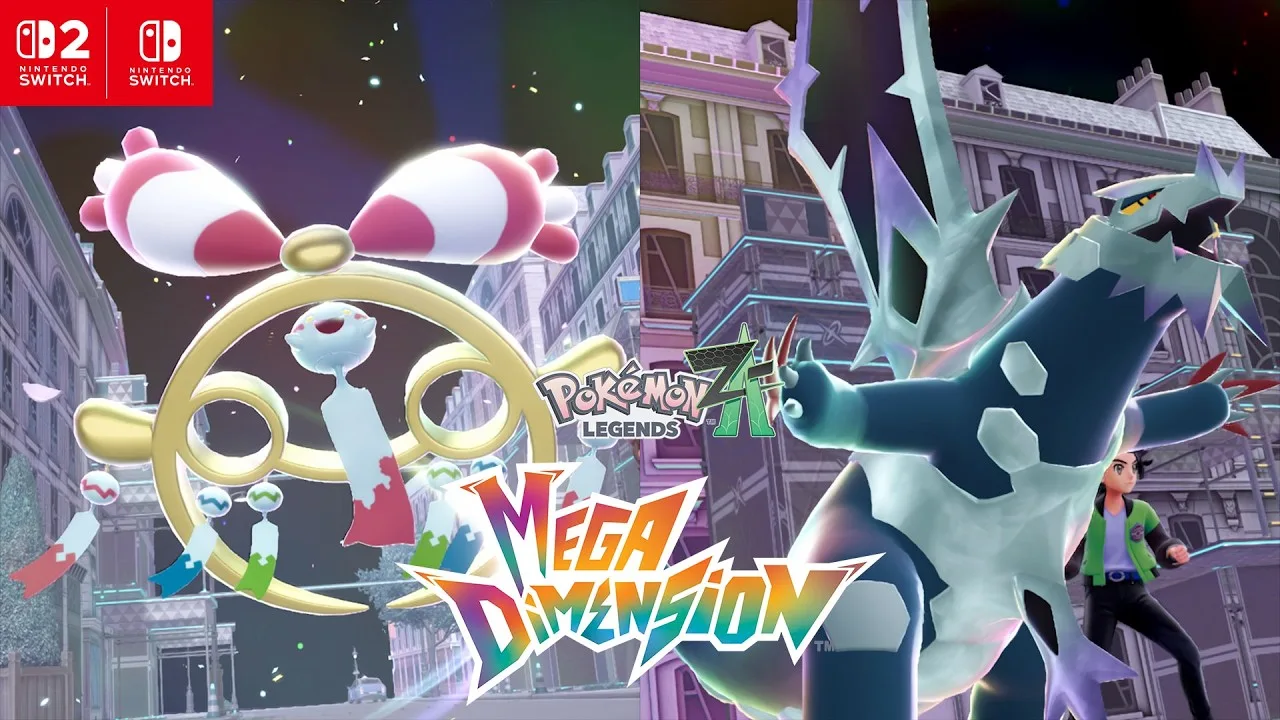
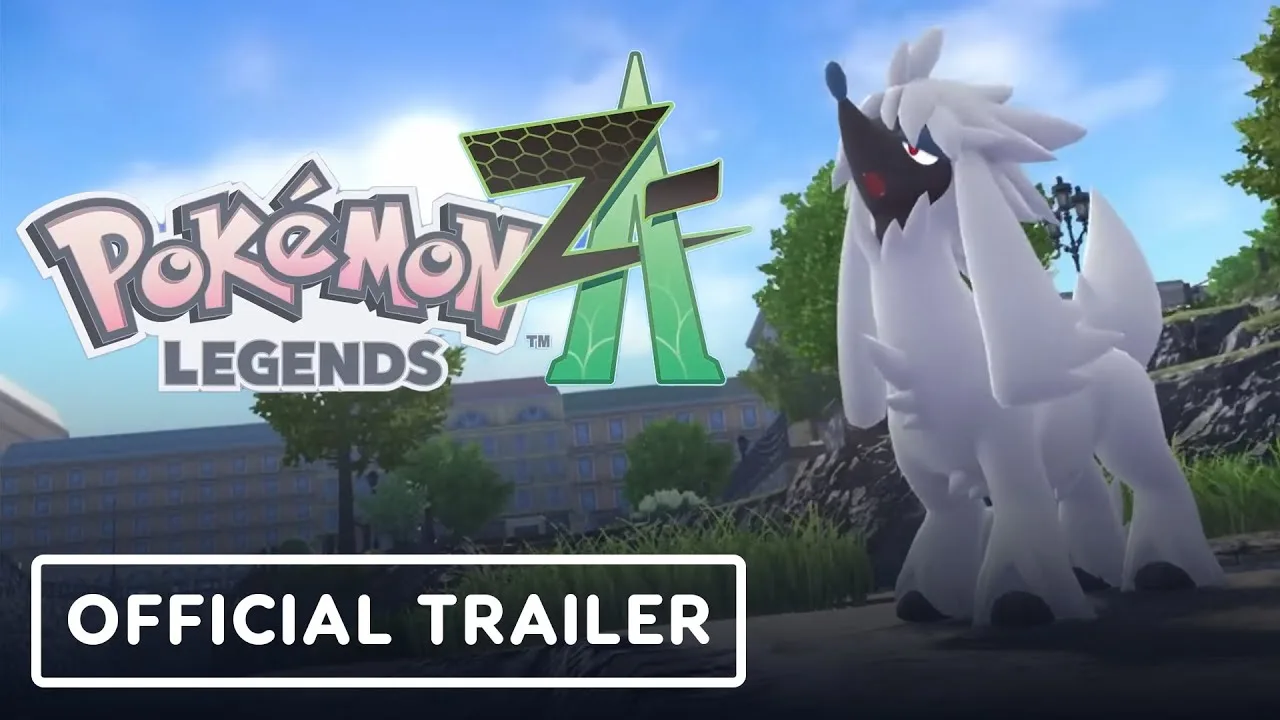
The trailers show Lumiose City and the battles the transferred Pokémon join.
FAQ
6 questionsYes. The Pokémon Company announced live connectivity on April 3, 2026.
The Nintendo Switch version of Pokémon HOME.
No. A Pokémon can only be moved into a game in which that species appears.
No. Official guidance says Pokémon from Z-A cannot move to previous titles.
No. Once moved into Z-A, it cannot later return to previous Pokémon games.
Make the first transfer from Legends: Z-A to HOME, then claim Alpha Chikorita, Alpha Tepig, and Alpha Totodile as Mystery Gifts in mobile HOME using the same Nintendo Account as the Switch version.