 COSM-GAME
 How to Start the Pokémon Legends: Z-A Mega Dimension Story
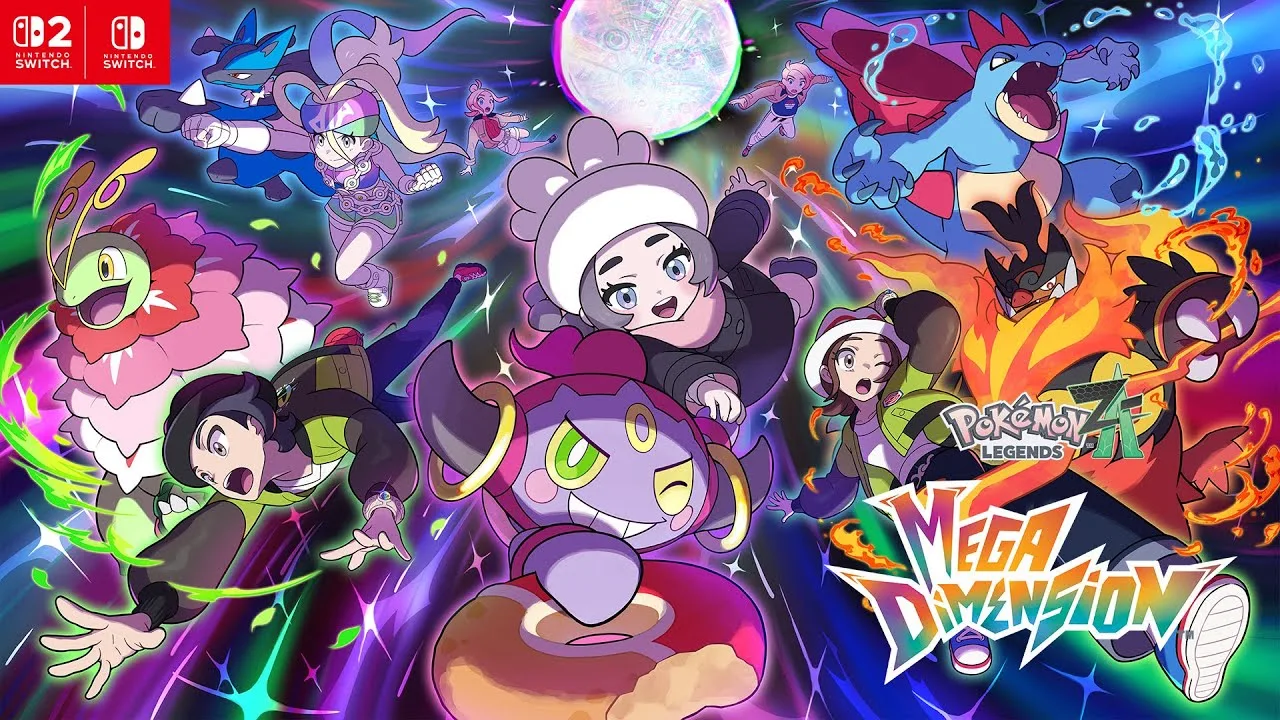
Pokémon Legends: Z-A — Mega Dimension adds additional story content to both the Nintendo Switch and Nintendo Switch 2 editions, but owning the DLC is not enough to trigger the new story immediately. Nintendo's support guidance requires the main story to be completed, the game to be updated, and the DLC license to be available on the console. A useful installation check is the “Downloadable content ready” indicator on the title screen. Once the requirements are met, the game directs the player to the Hotel Z rooftop to begin a new side mission.
Guide facts
On this page
Finish the main story before anything else
You need the full game, the Mega Dimension licence available on the console, and a completed main story. The additional story works on both the Switch and Switch 2 editions.
If the campaign is unfinished, no amount of installation troubleshooting will make the start prompt appear.
Update, verify the DLC, then head to Hotel Z
5 stepsUpdate the game, confirm the DLC is recognised on the console, load the completed save, then follow the prompt to the Hotel Z rooftop to begin the side mission.
The rooftop prompt starts the new story
Once the story is complete and the DLC is recognised, the game points you to the Hotel Z rooftop. That prompt is the transition into the additional story.
Use the same completed save that meets the requirement — a different user's clear does not carry over.
The licence has to be on this console
Purchase alone is not enough: the DLC must be available to the console and to the user loading the save. On systems using Virtual Game Cards, the card has to be loaded here.
Where several users share a console, one user's completed campaign or purchase does not make every other save eligible.
| Check | Detail |
| Main story | Completed on the save you load |
| Game version | Updated to the current version |
| Title screen | Shows Downloadable content ready |
| eShop | DLC shows as Purchased for the buying user |
| Virtual Game Card | Loaded to this console |
| Start point | Hotel Z rooftop prompt |
If the DLC does not appear
Check in this order: main story complete, game updated, eShop shows Purchased for the buying user, Virtual Game Card loaded where applicable, title screen shows Downloadable content ready, then load the correct save.
That order separates licence problems from progression problems. Reinstalling before checking Purchased wastes time, and replaying story content cannot fix a licence issue.
Trailer, screenshots, and media
The Mega Dimension trailer shows the new dimension and the Pokémon encountered in the additional story.
FAQ
5 questionsYes. Nintendo requires the base game's main story to be completed before progressing the additional story.
Nintendo currently lists Version 2.0.2, released March 18, 2026.
Nintendo says the title screen should show a Downloadable content ready icon.
Eligible players are prompted to head to the Hotel Z rooftop to start a new side mission.
Restart the console, update the system and game, confirm Purchased status and make sure the DLC Virtual Game Card is loaded.