COSM-GAME
 Apex Legends Redeem Codes for September 2026

Apex Legends Redeem Codes can unlock Apex Coins and other promotion-linked in-game rewards. Legitimate codes and vouchers usually come from EA promotions, partner campaigns, and platform-specific offers rather than a fixed public drop schedule. We check official sources daily so this page stays focused on codes you can still claim, with expired codes kept separately for reference.
Codes summary
On this page
Apex Legends Active Codes
0 working codesNo publicly reusable Apex Legends Redeem Codes are confirmed working as of the last check. Promotion-specific, retail, partner, or platform vouchers can still exist as limited or unique entitlements, so follow the instructions supplied with each code instead of assuming it works as a universal giveaway.
Expired Codes
15 archivedThe archived list contains older promotion codes that are no longer treated as working. They remain here for reference because historical Apex Legends code rewards included Apex Coins, cosmetic rewards, and level boosts.
| Code | Rewards | Region | Released | Expired | Info |
|---|---|---|---|---|---|
100 Apex Coins | Unknown | — | Unknown | ||
100 Apex Coins | Unknown | — | Unknown | ||
2-hour Level Boost | Unknown | — | Unknown | ||
100 Apex Coins | Unknown | — | Unknown | ||
100 Apex Coins | Unknown | — | Unknown | ||
100 Apex Coins | Unknown | — | Unknown | ||
1 Random Skin | Unknown | — | Unknown | ||
500 Apex Coins | Unknown | — | Unknown | ||
100 Apex Coins | Unknown | — | Unknown | ||
100 Apex Coins | Unknown | — | Unknown | ||
600 Apex Coins | Unknown | — | Unknown | ||
100 Apex Coins | Unknown | — | Unknown | ||
30 Apex Coins | Unknown | — | Unknown | ||
100 Apex Coins | Unknown | — | Unknown | ||
50 Apex Coins | Unknown | — | Unknown |
Redemption Guide
7 platformsUse the method that matches the code you received. EA product codes and console-platform vouchers use different redemption systems, so confirm the signed-in account and platform before submitting the code.
Redeem. For another supported platform, select the appropriate platform option shown below it.Next.EA app and sign in to the EA Account linked to Apex Legends.My Library.Redeem Code.PlayStation Store.More, then Redeem Code.Redeem.Download if the redeemed content requires a download.PlayStation Store and scroll to the bottom of the sidebar.Redeem Codes.Continue, then Confirm or Yes.Continue and Download if the redeemed content requires a download.Store.Redeem.Next.Store.Redeem.Next.Nintendo eShop from the HOME Menu.Enter Code on the left side of the screen.OK and review the redemption information before confirming.Code Rules & Troubleshooting
Use the redemption route specified with the code. EA product codes can use EA's redemption flow, while PlayStation, Xbox, and Nintendo vouchers follow their own platform systems. A code may fail because it was entered incorrectly, has expired, was already redeemed, belongs to another platform or region, or is being submitted on the wrong account.
If a successfully redeemed Apex Legends reward does not appear, completely quit and restart the game. EA specifically recommends launching Apex Legends through the EA app when you normally play through Steam or when content from a redeemed promo code is missing, and you should confirm that the EA Account used for redemption is the account linked to the game.
New Code Announcements
Apex Legends does not follow a fixed schedule for publicly reusable codes. Legitimate codes and vouchers can be distributed through EA promotions, partner offers, retail or platform campaigns, and other limited promotions, while official Apex Legends news, PlayApex on X, the official YouTube channel, and EA Forums provide reliable places to watch for related announcements and redemption conditions.
Trailer, Screenshots & Media
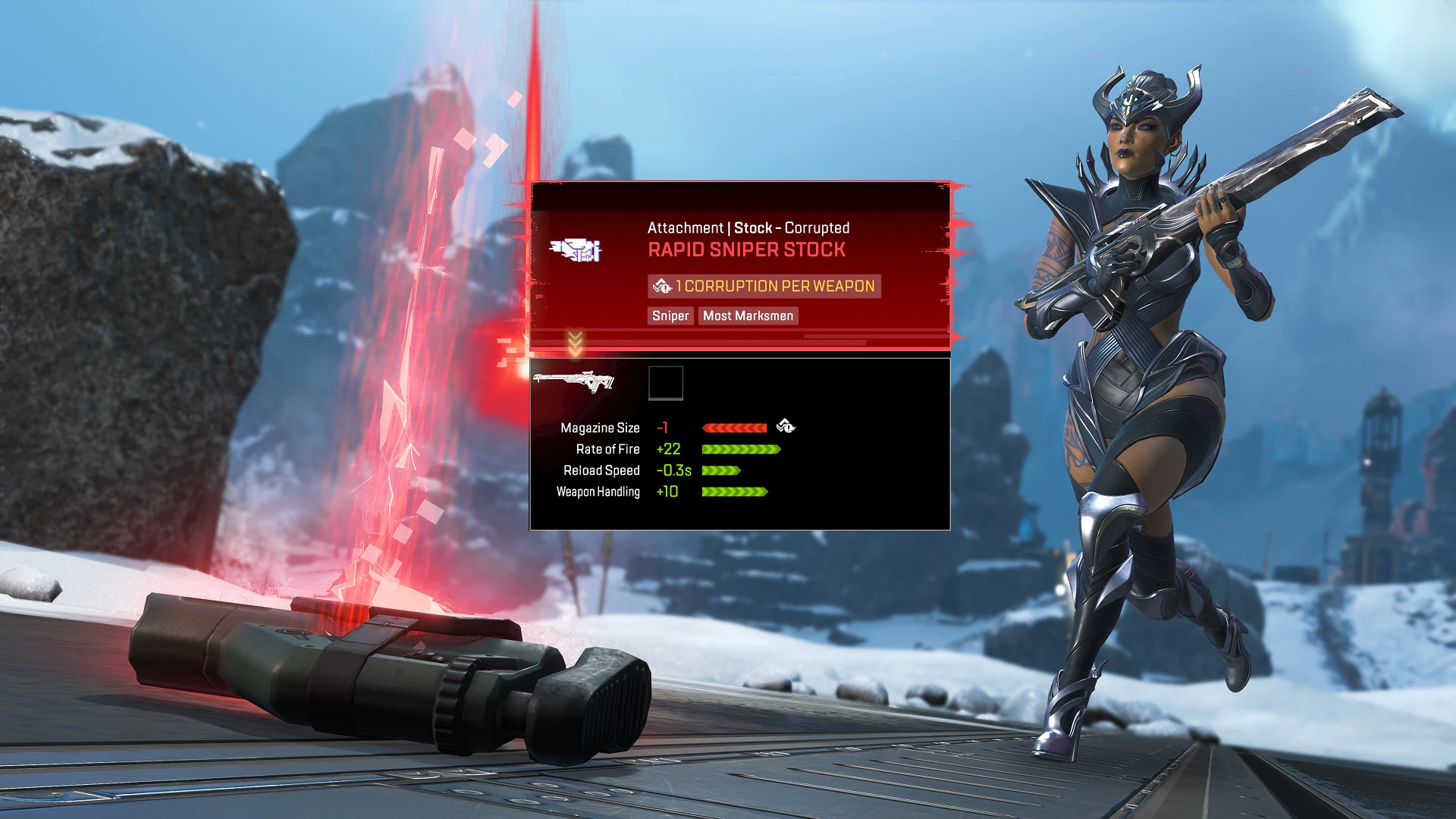
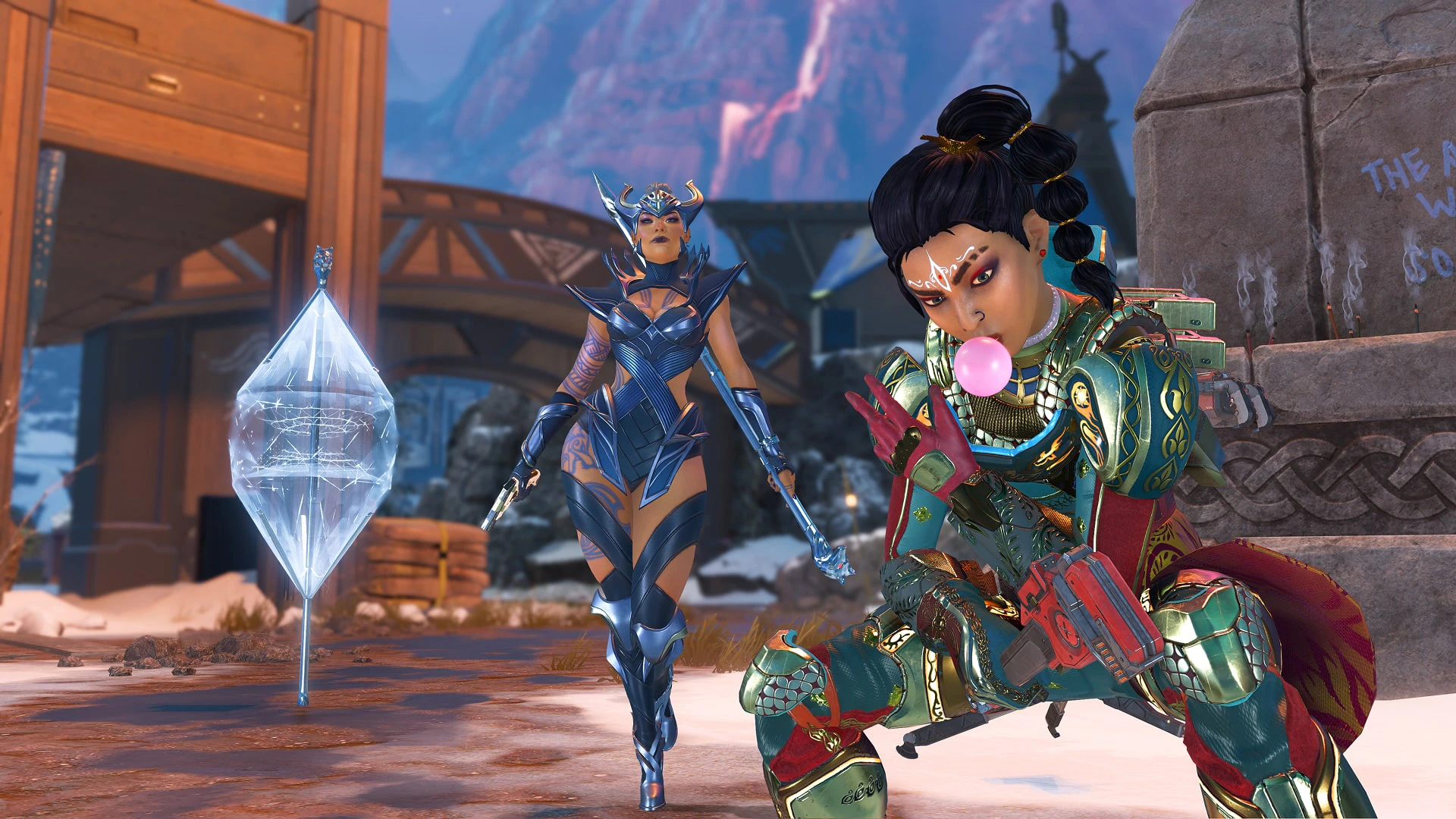
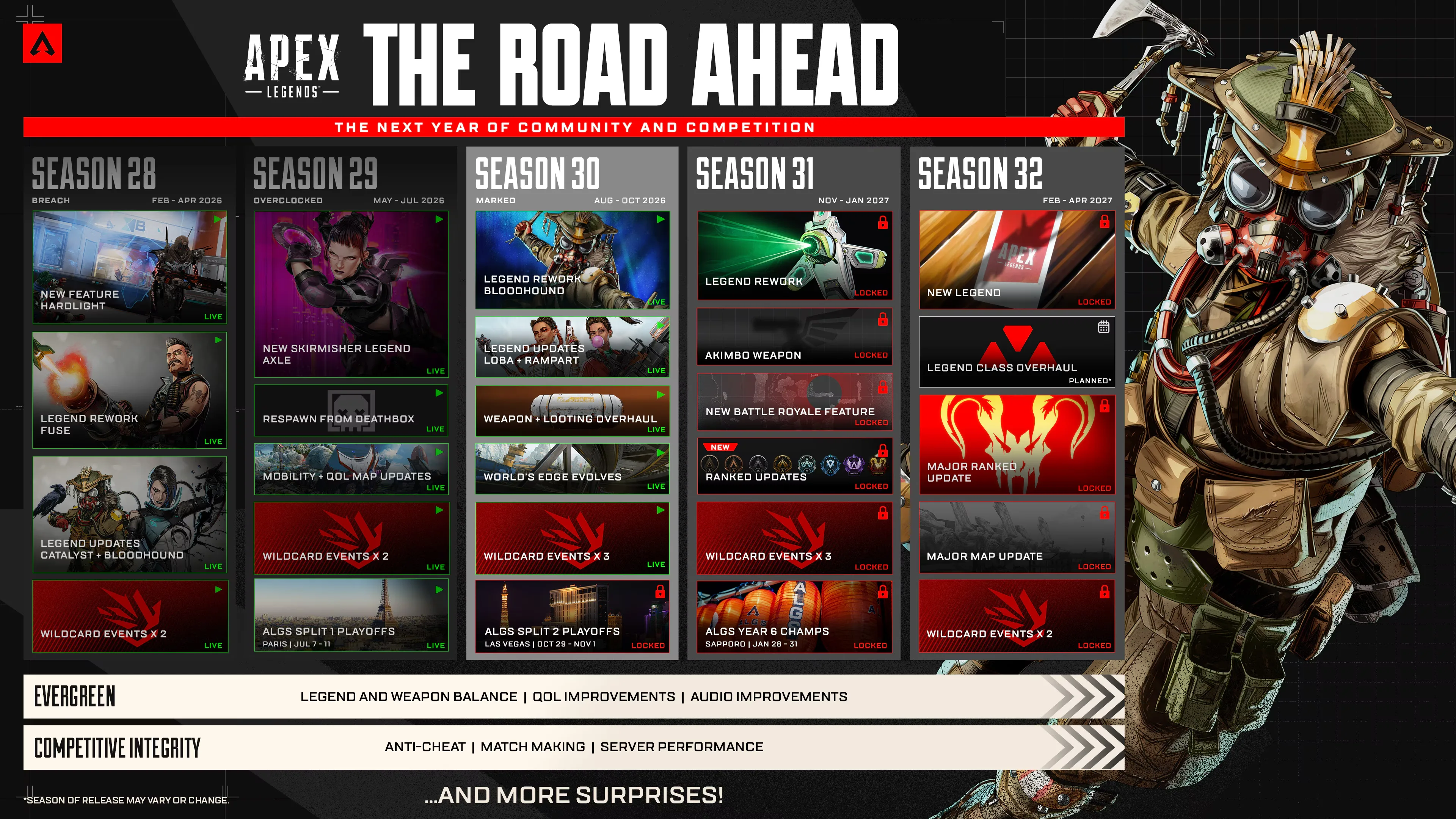
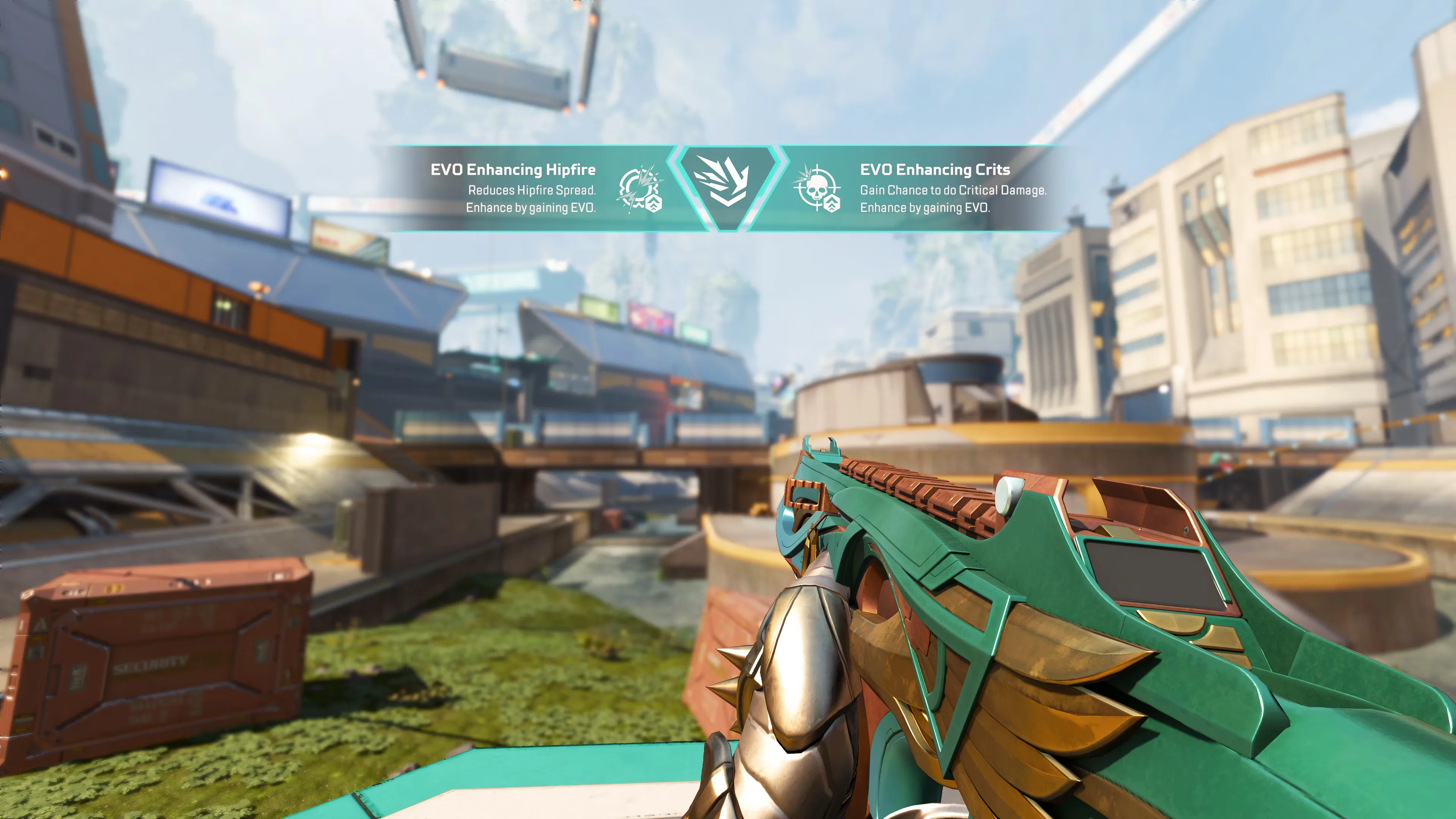
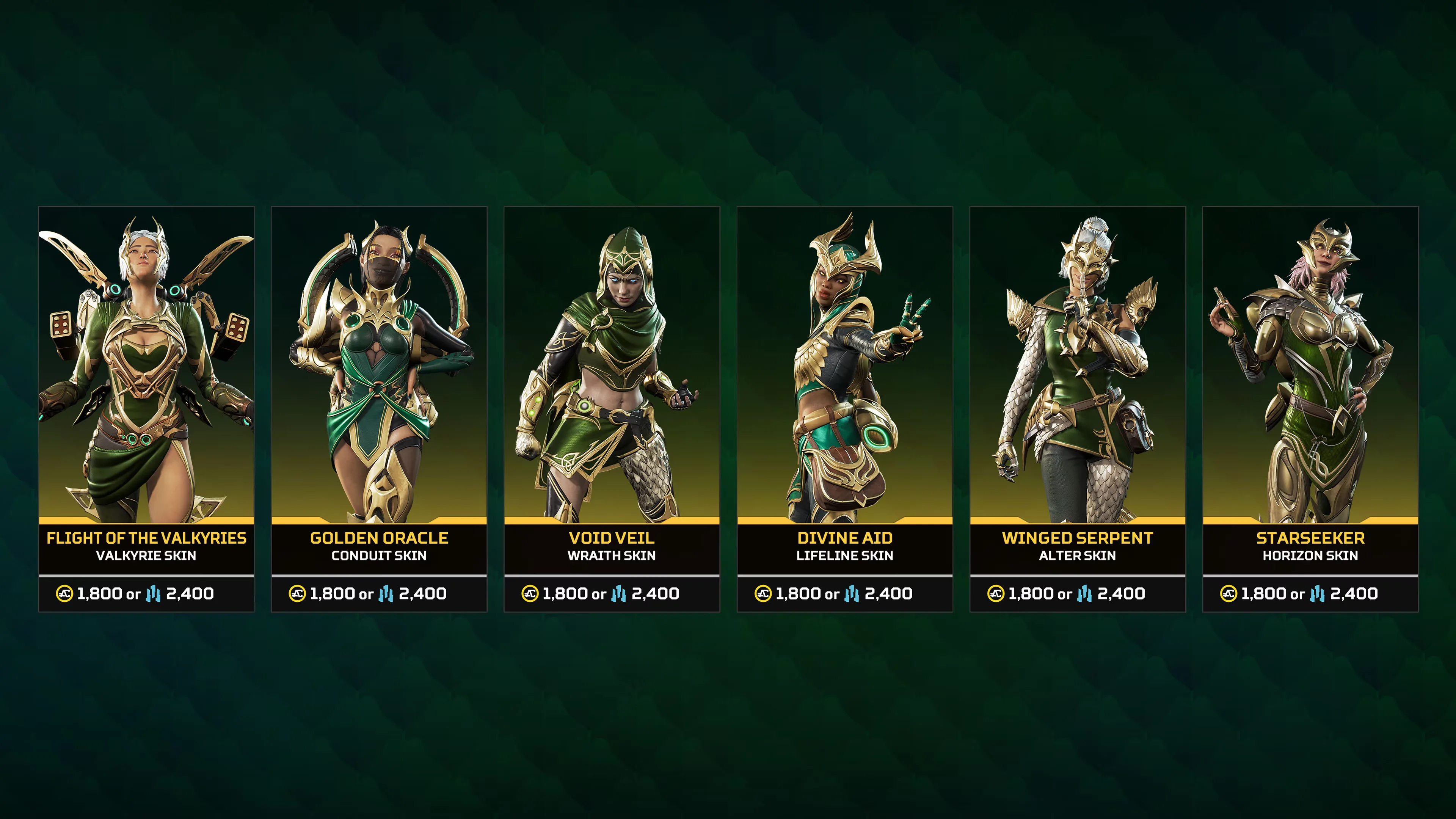
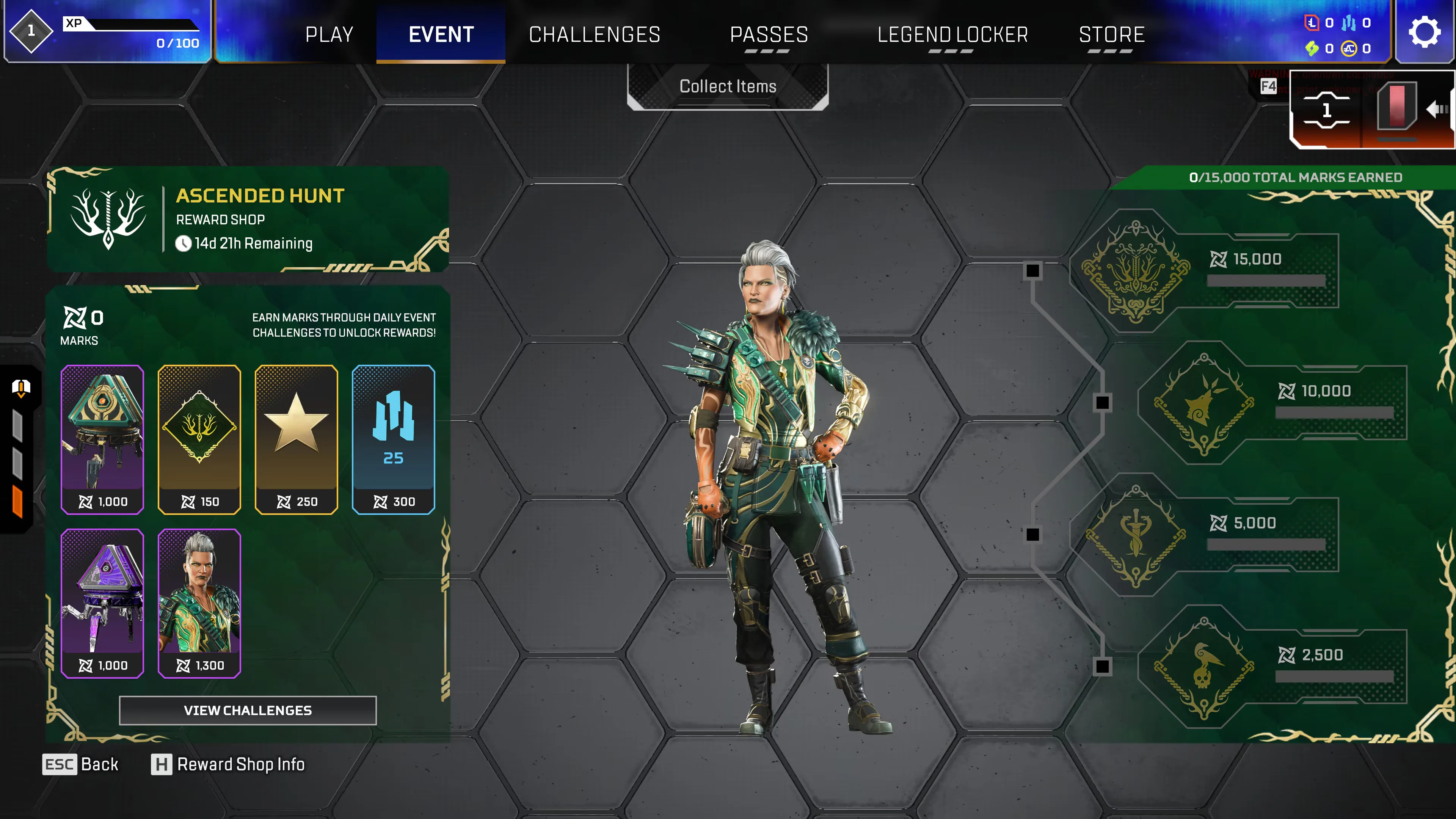
The selected media covers Apex Legends combat, World's Edge, Legend updates, seasonal systems, and other representative live-game content.


Apex Legends Codes FAQ
6 questionsCommon questions about redeeming Apex Legends codes.
Usually not. EA states that promotional discount codes generally cannot be used on virtual currency, so a checkout discount code should not be treated as an Apex Coins reward code. Follow the restrictions shown with the promotion before applying it.
Sign in to your EA Account, open Payment and Wallet, then select Offers and Promotions. EA keeps eligible Offers and Promotions codes there after the in-game pop-up has been dismissed. Use the instructions attached to that offer because its redemption route may differ from a product code.
Contact EA Help and explain that the code was redeemed on the wrong account. EA may ask for proof of purchase while it reviews the case, so keep the receipt or confirmation available. Content cannot simply be moved between accounts without support review.
No. PlayStation requires a voucher code to match the region of the account that redeems it. Check the country or region shown with the voucher before entering it because redeemed content cannot be transferred between PlayStation accounts.
Not when the code is specifically for content that is only accessible on Nintendo Switch 2. Nintendo shows an error when Switch 2-only content is entered on Nintendo Switch. Use the code on the compatible system and the Nintendo Account intended to receive the content.
Quit Apex Legends completely and restart it first. EA also recommends launching the game from the EA app when you play through Steam or redeemed a promo code for missing content. Make sure the same EA Account that redeemed the code is the one linked to the game.
Sources
11 officialCode data and redemption details are verified against these official and trusted sources.