 COSM-GAME
 Aniimo Pre-Download Opens Ahead of September 16 Launch
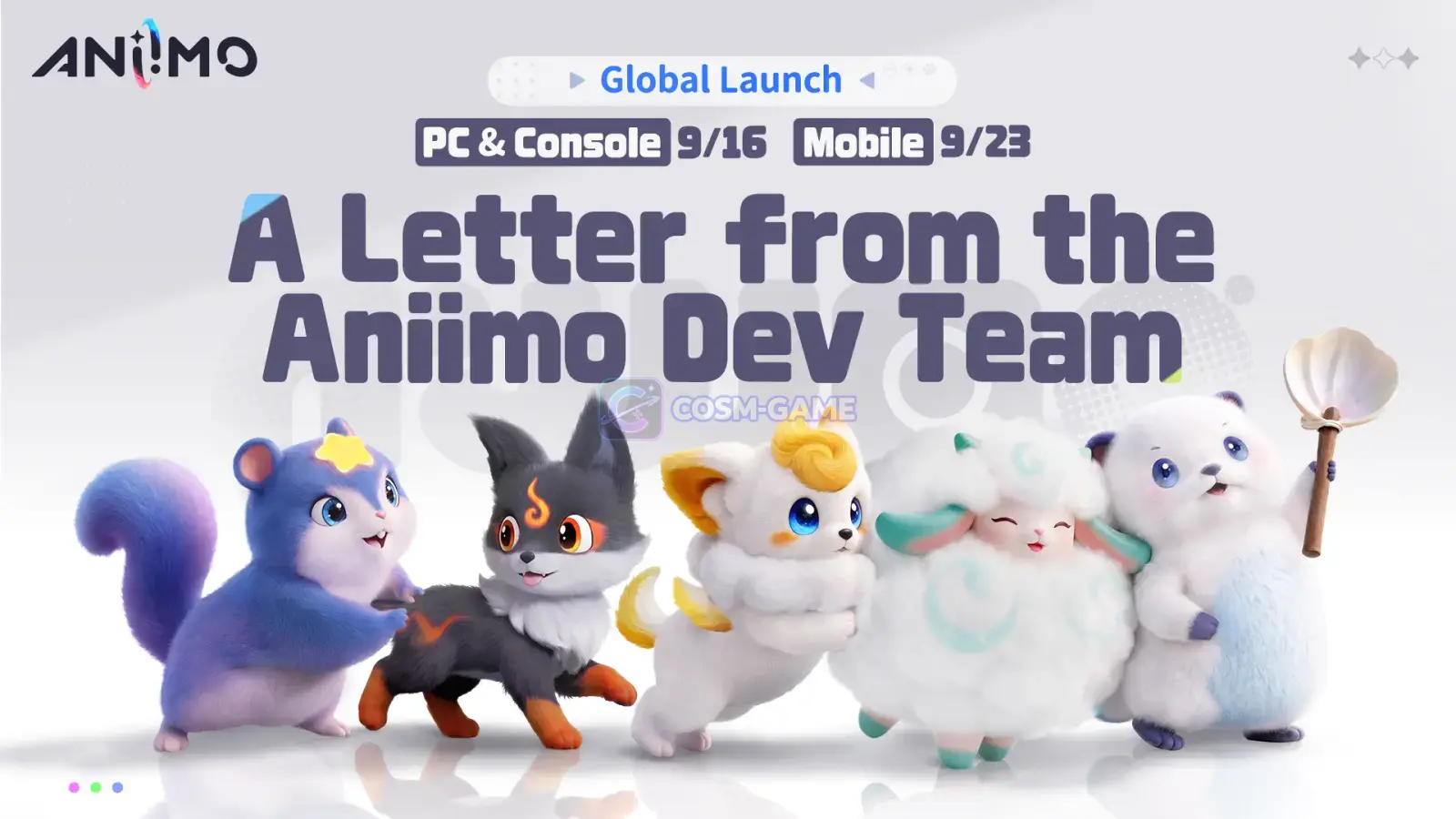
Aniimo opened pre-download for Windows PC, PlayStation 5 and Xbox on September 14, 2026 ahead of its PC and console launch on September 16. PC players can install the new launcher and game client directly, while console pre-download requires a PlayStation 5 or Xbox pre-order pack. Pawprint Studio also confirmed separate America, Europe and APAC server opening times, same-server cross-platform progress and Xbox Cloud Gaming support.
Game summary
On this page
Pre-Download Is Open Before Launch
Aniimo opened pre-download on September 14, 2026 at 10:00 UTC+8 for Windows PC, PlayStation 5 and Xbox. The preload gives players time to install the game before the regional servers begin opening on September 15 and September 16.
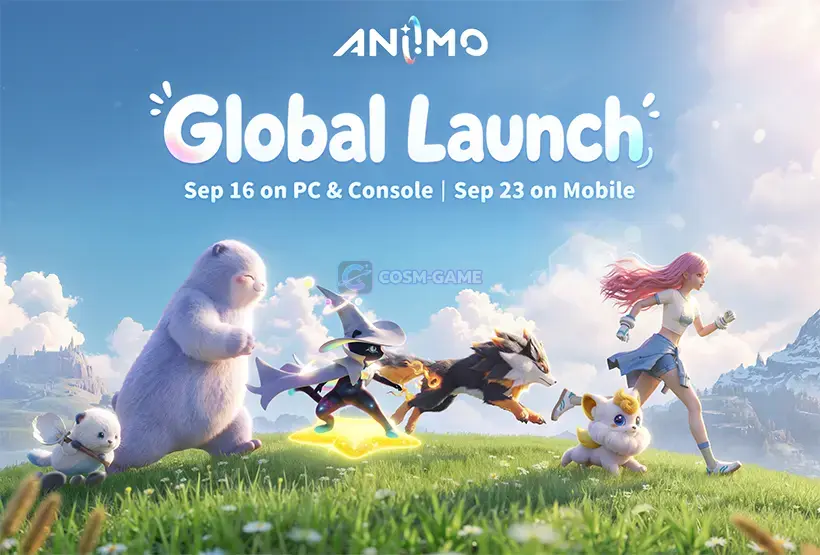
The PC and console versions officially launch on September 16. Mobile follows one week later on September 23 for iOS and Android.
| Platform | Pre-download status | Requirement |
|---|---|---|
| Windows PC | Available from September 14 | Download the latest Aniimo launcher and game client. |
| PlayStation 5 | Available from September 14 | A PlayStation 5 pre-order pack is required for pre-download. |
| Xbox | Available from September 14 | An Xbox pre-order pack is required for pre-download. |
| iOS / Android | Not part of the September 14 preload | Mobile launches September 23. |
Regional Servers Open at Different Times
Aniimo uses separate America, Europe and APAC server regions. The advertised September 16 launch therefore begins on September 15 in the Americas because of the regional time difference.
| Server | Opening time |
|---|---|
| Aniimo-America | September 15, 2026 at 22:00 UTC-4 |
| Aniimo-Europe | September 16, 2026 at 02:00 UTC+0 |
| Aniimo-APAC | September 16, 2026 at 10:00 UTC+8 |
Pre-downloading does not open the servers early. It installs the required game files so the client is ready when the selected server becomes available.
PC Players Need the New Launcher
PC players can obtain the current Aniimo client through the official download route. Pawprint Studio recommends reserving at least 40 GB of free storage and installing the game on an SSD.
After downloading the installer, players install the Aniimo launcher and use that launcher to start the game. Anyone who still has a client from an earlier test needs to replace it because previous beta clients can no longer be used.
The official launch FAQ also lists 64-bit Windows 10 as the minimum supported operating system. Windows 7, Windows 8 and 32-bit Windows systems are not supported.
Console Preload Requires a Pre-Order Pack
PlayStation 5 and Xbox handle pre-download differently from the direct PC client. Console players must first purchase an eligible pre-order pack before they can download the game ahead of launch.
The official pre-download notice recommends keeping roughly 30 to 35 GB of storage free on consoles. PlayStation 5 has an additional restriction: the Aniimo client can only be installed on the console's internal SSD.
Aniimo offers Advanced and Collector's Edition pre-order packs on consoles. The packs include their corresponding in-game benefits, while platform-specific accessories differ between PlayStation and Xbox.
Note: PlayStation 4 is not supported. The official FAQ lists Aniimo and its pre-order packs for PlayStation 5 and PlayStation 5 Pro.
Account Linking Controls Cross-Platform Progress
Aniimo supports shared progress between platforms, but the system is tied to account linking and server choice. Progress is fully shared across linked platforms when they are using the same server. Progress from one server does not transfer to another server.
This is especially important on PlayStation 5 because the assigned server is determined by the region registered to the PSN account. Players who already have Aniimo progress on another platform need to make sure the server attached to that progress matches the server associated with their console account.
Console players with an existing Aniimo Pass also need to handle the first login carefully. When a PSN or Microsoft account that has never played Aniimo logs in for the first time, a prompt appears allowing the player to link an existing Aniimo Pass.
Note: The console linking prompt is the only opportunity to connect that new platform account to an existing Aniimo Pass. Skipping it causes the platform account to register a new Aniimo Pass and prevents it from later being linked to an existing one.
Pre-Order Rewards Must First Be Claimed on Their Console
Console pre-order items are delivered after the servers open. The rewards go to the in-game mailbox of the first character created on the console account that purchased the pack.
Players must first log in on the console platform where the pack was purchased to claim those items. After the accounts are linked, claimed accessories and other applicable items can be used on other supported platforms within the same server.
PlayStation Plus and Xbox Game Pass are not required simply to purchase and claim the Aniimo pre-order packs.
Xbox Cloud Gaming Is Included in the Launch Plan
Aniimo also supports Xbox Cloud Gaming. Players can sign in with a Microsoft account and stream the game across supported devices, including mobile devices, tablets, PCs and Xbox hardware.
Cloud play requires a stable internet connection, and available playtime depends on the Microsoft account's cloud gaming access. Pawprint Studio's pre-launch developer letter places Xbox cloud gaming alongside the PC and console rollout on September 16.
Mobile Launches September 23
The September 14 pre-download announcement focuses on Windows PC, PlayStation 5 and Xbox because those versions launch first. Aniimo's iOS and Android release is scheduled separately for September 23.
That makes the launch a two-stage rollout. PC, console and supported Xbox cloud players enter first through the regional server schedule, followed by the mobile versions one week later. Once accounts are correctly linked, same-server progress can be shared across the supported platforms.
Trailer, screenshots, and media

FAQ
12 questionsAniimo pre-download opened on September 14, 2026 at 10:00 UTC+8 for Windows PC, PlayStation 5 and Xbox.
Aniimo launches globally on PC and consoles on September 16, 2026, with server opening times varying by region.
Aniimo-America opens September 15 at 22:00 UTC-4, Aniimo-Europe opens September 16 at 02:00 UTC+0, and Aniimo-APAC opens September 16 at 10:00 UTC+8.
PC players should reserve at least 40 GB and are advised to install the client on an SSD. PlayStation 5 and Xbox players should reserve about 30 to 35 GB.
Yes. PlayStation 5 and Xbox pre-download is available after purchasing a console pre-order pack.
No. The PlayStation 5 Aniimo client must be installed on the console's internal SSD.
No. Previous test clients can no longer be used. PC players need to uninstall the old client and install the latest launcher and game client.
Yes. Progress is shared across supported platforms when the accounts are linked and use the same server. Data is not shared between different servers.
Yes. The existing Aniimo Pass linking prompt appears when a PSN or Microsoft account first logs into Aniimo. Skipping that prompt creates a new Aniimo Pass for that platform account and prevents it from later being linked to an existing Aniimo Pass.
Yes. Aniimo supports Xbox Cloud Gaming, allowing play through supported cloud devices with a Microsoft account and a suitable connection.
The iOS and Android versions are scheduled to launch on September 23, 2026.
No. The official pre-download FAQ lists PlayStation 5 and PlayStation 5 Pro support and states that PlayStation 4 is not supported.