 COSM-GAME
 How to Use Monster Hunter Wilds Crossplay & Link Parties
Monster Hunter Wilds supports crossplay across PC, PlayStation 5, and Xbox Series X|S, with online hunting parties of up to four players. For a recurring group, the most useful feature is a Link Party: Capcom describes it as a way to streamline multiplayer with members-only chat and voice chat. Crossplay does not remove ordinary online requirements, and Capcom requires the latest game version for online multiplayer and downloadable content.
Guide facts
On this page
Everyone needs the latest game version
Make sure every player has the latest game version before diagnosing friend or party problems. Capcom requires the latest version for online multiplayer and downloadable content, so a player who skipped an update can be blocked even when crossplay itself is supported. Each player also needs the online access required by their platform and a working network connection.
Separate crossplay from Link Party. Crossplay is the broader ability for PC, PS5, and Xbox Series X|S players to hunt together. A Link Party is a group feature for hunters who want a more persistent social connection, including members-only chat and voice chat. Use the feature that matches the actual problem you are solving.
Update, connect, then form the Link Party
6 stepsUpdate the game on every platform, confirm online connectivity, then use the multiplayer interface to meet or locate the other hunters. Form a Link Party for a recurring group and invite the intended members. Once joined, use the party's dedicated communication channels and coordinate quest participation rather than rebuilding the group from scratch for each hunt.
For a failed join, test the simplest path first: confirm both players are online on the current version, then verify that the intended friend or Link Party member is visible. If visibility works but quest joining fails, compare quest conditions and session state rather than toggling crossplay blindly.
Four hunters per quest, chat stays with the party
Crossplay allows supported PC and console players to share multiplayer hunts. The game supports one to four online players, so a full hunting party is four. A Link Party adds group continuity and communication but does not change a quest's own participation conditions.
Members-only chat and voice chat are useful for a stable squad, particularly when the group spans platforms. Treat the Link Party as the social layer and the quest as the activity layer: a player can be in the group and still be unable to join a particular quest if that quest's conditions are not met.
A version mismatch breaks cross-platform play
Latest-version parity matters. Capcom's update information states that the latest version is required for online multiplayer and downloadable content. If one player is behind, cross-platform support does not override the version mismatch.
Crossplay also does not remove quest-specific restrictions or the four-player online limit. When troubleshooting, ask whether the problem is discovering the player, joining the group, or joining the quest; each points to a different layer of the multiplayer flow.
If a hunter cannot be seen or joined
Player not visible: verify online status, game version, and that the correct account/friend is being searched. Link Party formed but member cannot join a hunt: compare the quest's own participation conditions and whether the hunt is already at capacity. Voice or chat problem: check the dedicated Link Party channel before assuming the party itself failed.
After a patch, update every platform before rebuilding the party. Capcom's durable rule is that the latest version is required for online multiplayer and downloadable content, so version parity is the first thing to check.
Trailer, screenshots, and media
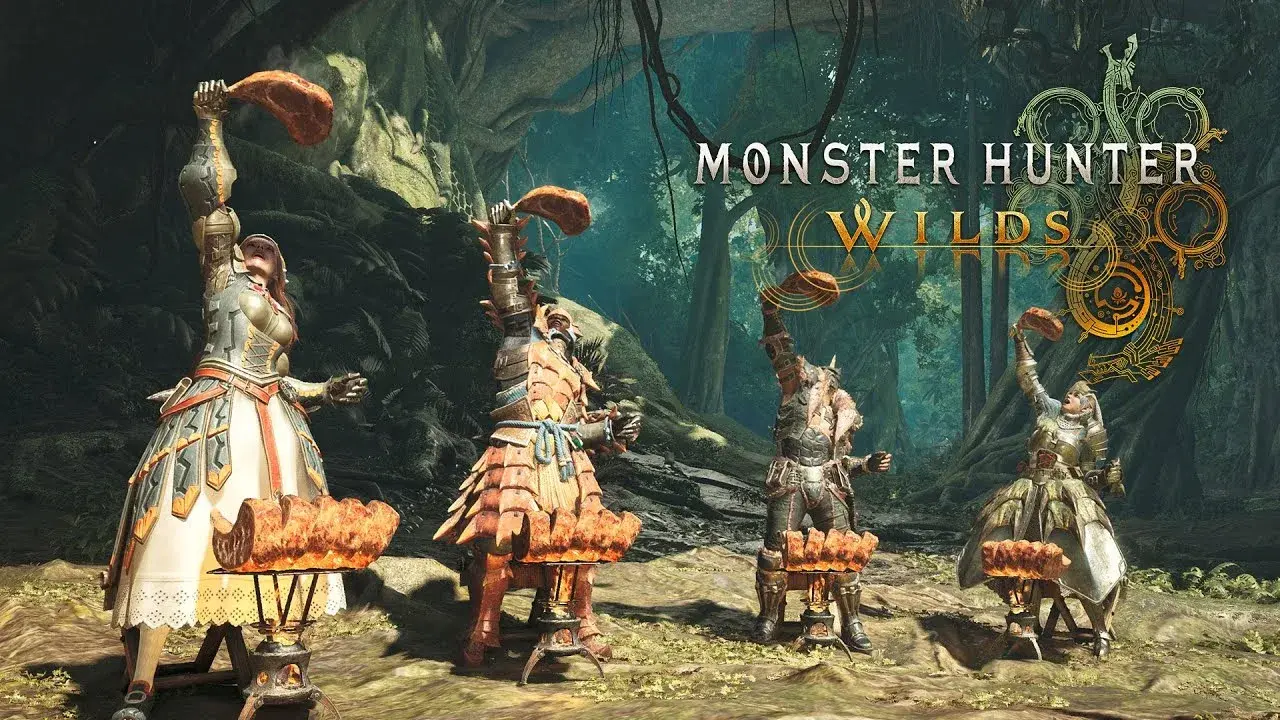
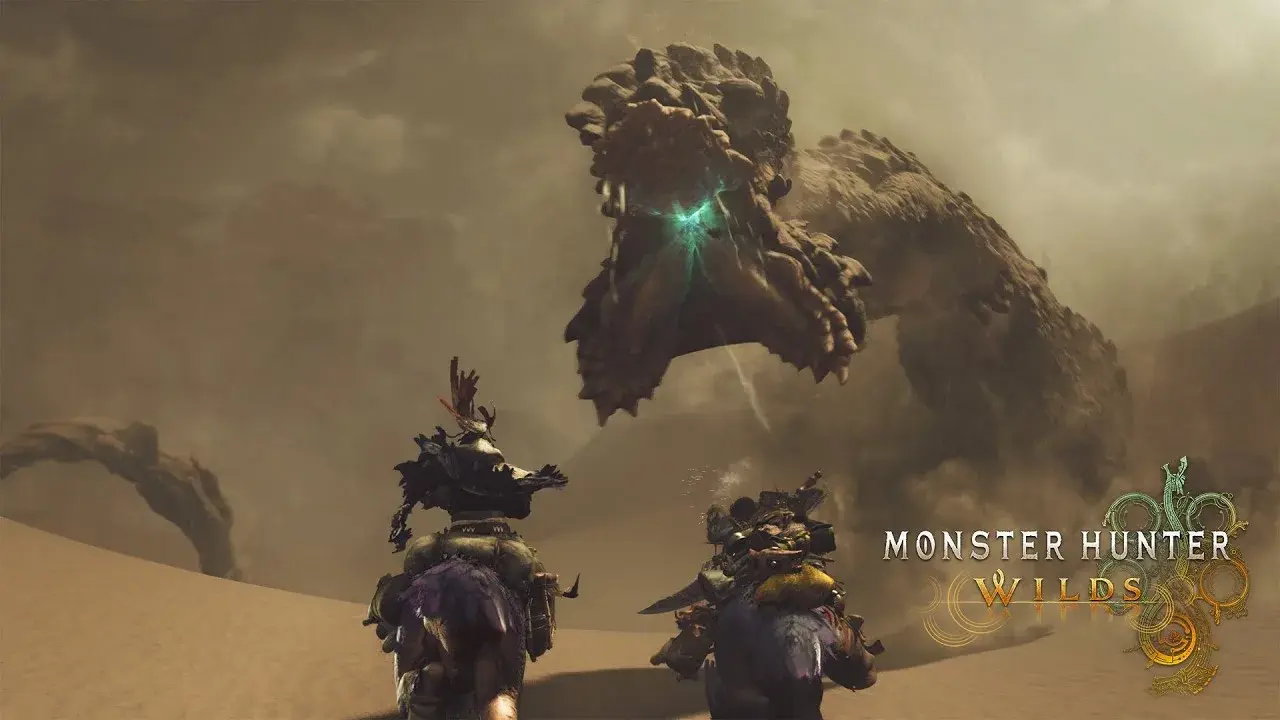
The trailers show four-hunter quests and the shared world the Link Party operates in.
FAQ
6 questionsYes. Capcom's multiplayer page confirms crossplay across PC, PlayStation 5 and Xbox Series X|S.
PlayStation 5, Xbox Series X|S, and PC.
Up to four players.
A party feature for hunters playing together; Capcom says it streamlines multiplayer and includes members-only chat and voice chat.
Yes. Capcom’s update information says the latest version is required for online multiplayer and downloadable content.
Compare installed game versions and update to the latest version before retrying online play.