 COSM-GAME
 How to Link PUBG Mobile Across Android and iOS
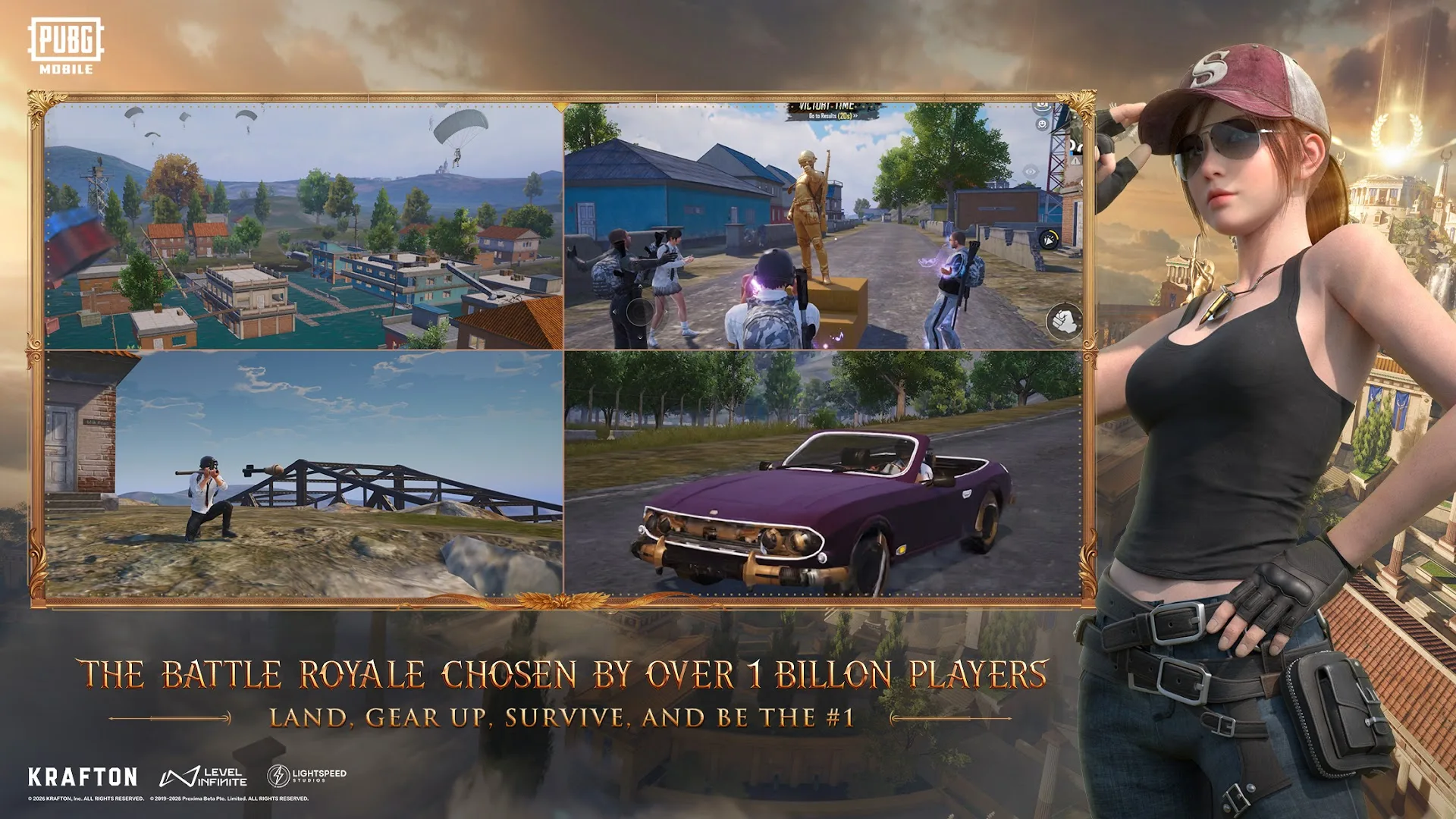
Link the PUBG Mobile character on its original device before reinstalling the app or moving to another operating system. Use one social provider supported by both Android and iOS, then select that same provider on the new device.
Guide facts
On this page
Keep access to the original device
PUBG Mobile Support requires the original device when a guest character has not yet been linked. Do not uninstall the app, reset the device or replace it before the account connection is complete.
For movement between Android and iOS, choose one provider supported on both operating systems. PUBG Mobile Support currently lists Apple, META, X and Discord; Discord also requires its app to be installed on the device.
Use the same social network on both devices. Matching usernames or passwords on different networks still load separate PUBG Mobile game information.
Move the account across both systems
8 stepsComplete the connection on the device that still opens the intended character, then use the identical provider on the second operating system.
The same character loads on both devices
PUBG Mobile Support states that a social network shared by Android and iOS can load the same game information on each operating system.
After signing in on the second device, verify the character name, level, inventory and purchase history before starting a new character or making a purchase.
One social login belongs to one account
PUBG Mobile allows up to two linked social accounts. A social account already used for one PUBG Mobile link cannot be reused for another game account.
Guest play records and payment history cannot be restored after the app is deleted or reinstalled. Link the guest character while the original device still opens it.
Unlinking requires two social accounts to be attached. Log in through the account that will remain connected, then remove only the other one.
Fix wrong characters and blocked links
A different character loads on the second device: sign out and use the exact same social network selected on the original device. Identical credentials on another network do not point to the same game data.
The social account is already linked: it belongs to another PUBG Mobile account and cannot be connected again.
Discord does not appear or fails to open: install and sign in to the Discord app on the device before selecting it as the PUBG Mobile login.
The guest character disappeared after reinstalling: PUBG Mobile Support states that lost guest data cannot be restored.
The Unlink button is unavailable: confirm that two social accounts are linked and that the current login is the account you intend to keep.
FAQ
6 questionsYes, when both devices use the same linked provider supported across Android and iOS.
PUBG Mobile Support currently lists Apple, META, X and Discord. Discord requires its app on the device.
No. PUBG Mobile Support states that guest play records and payment history cannot be restored after deletion or reinstallation.
The official support instructions allow up to two linked social accounts.
A different social network was used. Sign out and use the exact provider linked to the intended PUBG Mobile character.
Yes, when two social accounts are linked. Sign in through the account that will remain connected and remove the other account from Settings.