 COSM-GAME
 How to Upgrade Xenoblade Chronicles 2 to the Nintendo Switch 2 Edition
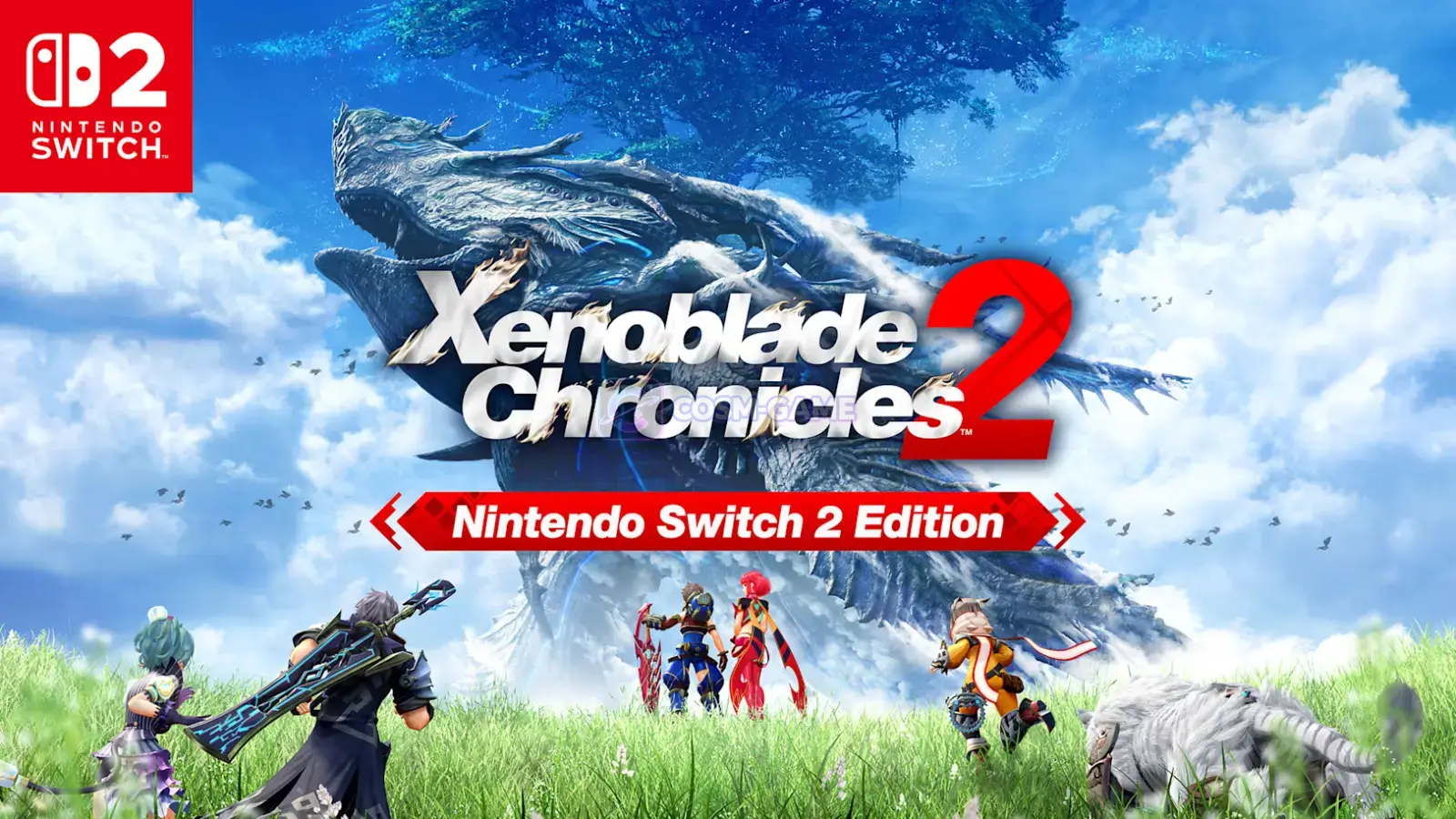
Xenoblade Chronicles 2 – Nintendo Switch 2 Edition can be added to a physical or digital Xenoblade Chronicles 2 copy by purchasing the Nintendo Switch 2 Edition Upgrade Pack. The base game and Upgrade Pack must be intended for the same region, and the enhanced features only run on Nintendo Switch 2.
Guide facts
On this page
You need the base game and a region-compatible Upgrade Pack
If you already own a physical or digital copy of Xenoblade Chronicles 2 for Nintendo Switch, you only need the official Nintendo Switch 2 Edition Upgrade Pack. Nintendo of America lists the US price at $9.99. If you do not own the base game, buy the full Nintendo Switch 2 Edition instead.
The base game and Upgrade Pack must be intended for the same region. The enhanced content works only on Nintendo Switch 2, and Nintendo says the Upgrade Pack cannot be downloaded on the original Nintendo Switch.
Note: A pack purchased with a US Nintendo Account will not work with a Japanese copy of Xenoblade Chronicles 2. Check the game region before you buy.
Upgrade through Nintendo eShop in seven steps
HOME Menu, open Nintendo eShop with the User that will purchase or owns the Upgrade Pack.Xenoblade Chronicles 2 Nintendo Switch 2 Edition Upgrade Pack. You can also open the official Upgrade Pack listing in a browser.HOME Menu, highlight the game without starting it, press the + Button or - Button, then select Software Update followed by Via the Internet. Nintendo keeps the current steps on its official Xenoblade Chronicles 2 update page.Nintendo Switch 2 Edition logo.The title screen confirms the upgrade is active
When the Upgrade Pack is installed and the game is current, the title screen displays the Nintendo Switch 2 Edition logo. The upgraded version adds 4K output in TV mode with a compatible display, full HD in handheld mode, performance up to 60 frames per second, the Rare Blade MOMO, Merc Assault, and new outfit designs for Pyra and Mythra.
The Upgrade Pack does not replace the base game
- The full Xenoblade Chronicles 2 base game is required to use the Upgrade Pack.
- The Upgrade Pack works with both physical and digital copies of the Nintendo Switch game.
- The extra Nintendo Switch 2 Edition content and features only run on Nintendo Switch 2.
- The base game and Upgrade Pack must be intended for the same region.
- The latest Xenoblade Chronicles 2 software update is required to use the added Nintendo Switch 2 Edition features and content.
- Nintendo says your save data remains available after downloading the software update.
If the Nintendo Switch 2 Edition logo does not appear
- Open
System Settingsfrom theHOME Menu, selectSystem, then selectSystem Update. - Highlight Xenoblade Chronicles 2 on the
HOME Menu, press the+ Buttonor- Button, then selectSoftware UpdateandVia the Internet. - Open
Nintendo eShopwith the User that bought the Upgrade Pack. Search for the pack and confirm it displaysPurchased. If a price is shown instead, that User does not currently own the pack. - If the pack is purchased but not loaded, open
Virtual Game Cardsfrom theHOME Menu, choose the purchasing User, select the Upgrade Pack, then selectLoad on This System. - If the logo still does not appear, confirm that the base game and Upgrade Pack are intended for the same region.
For the full recovery flow, including redownload steps, use Nintendo's official Xenoblade Chronicles 2 DLC troubleshooting page.
Trailer, screenshots, and media
FAQ
6 questionsNo. Nintendo says owners of the Nintendo Switch version can buy the Upgrade Pack separately, and Nintendo of America lists the US price at $9.99.
Yes. Nintendo says either the physical or digital Nintendo Switch version can be upgraded by purchasing the matching Upgrade Pack.
No. Nintendo says the extra content and features are only available on Nintendo Switch 2, and the Upgrade Pack cannot be downloaded on Nintendo Switch.
No. Nintendo says the game and its DLC or Upgrade Pack must be intended for the same region. A pack purchased with a US Nintendo Account will not work with a Japanese copy of the game.
Update the console and game, open Nintendo eShop with the User that purchased the pack, confirm the pack shows Purchased, and make sure its virtual game card is loaded. If the logo still does not appear, check that the game and Upgrade Pack are intended for the same region.
No. Nintendo's update support states that save data remains available after downloading the game update.