 COSM-GAME
 How to Pre-Order GTA VI — Editions, Bonuses & Preload Guide

Grand Theft Auto VI pre-orders are open for PlayStation 5 and Xbox Series X|S ahead of the November 19, 2026 release. Rockstar separates Standard and Ultimate editions, digital storefront purchases and physical retail packaging — and the physical box contains a download code rather than a disc. Preloading opens November 12 at local midnight.
Guide facts
On this page
Pick the platform before the edition
Start with platform, not edition. Rockstar currently lists GTA VI for PlayStation 5 and Xbox Series X|S; a pre-order intended for another platform is not part of the confirmed launch purchase flow. After choosing platform, compare Standard and Ultimate instead of assuming a more expensive package is required for the base game.
Next choose digital or physical packaging with the current Rockstar caveat in mind: the physical box contains a digital download code and no disc. This affects gifting, resale expectations, internet download planning, and pre-load. For a buyer who specifically wants a playable optical disc, the current physical description does not meet that expectation.
Order on Rockstar or your console store
7 stepsUse Rockstar's official GTA VI page or the platform storefront to choose PS5 or Xbox Series X|S, then compare Standard with Ultimate. Read the edition contents before checkout and verify the store region tied to the platform account that will redeem or launch the game. For a retail box, confirm that the seller is offering the correct platform code-in-box version.
After purchase, plan around November 12. Rockstar says digital versions can begin pre-loading at local midnight that day. Physical versions are expected to begin shipping or becoming available for pickup from November 12, and the included code can be used once received to support pre-load. Launch remains November 19, 2026.
Preload opens November 12, launch stays November 19
A pre-order should produce a platform entitlement or redeemable code tied to the purchased format. Digital buyers manage the download through the PlayStation or Xbox account used for purchase. Code-in-box buyers need the physical package and its code before they can attach the game to a platform account.
The pre-load window is preparation, not early access. Downloading data from November 12 does not move the official November 19 launch forward. Treat any retailer wording that implies otherwise cautiously unless Rockstar changes the release terms.
The physical box holds a code, not a disc
Region matters for storefront availability and code redemption. Rockstar's support page directs buyers to supported storefronts and notes that availability can vary by country. A code purchased for one platform or region should not be assumed to work on another account region.
Physical does not mean disc-based under Rockstar's current plan. The box contains a download code, so internet access and sufficient console storage remain part of setup. Also distinguish a full Ultimate Edition purchase from a later Ultimate Edition Upgrade; Rockstar says Standard owners can separately purchase the upgrade later.
If the pre-order or code will not go through
If the pre-order button is missing, first confirm country availability and that the correct PS5 or Xbox Series X|S storefront is open. If a retail code fails, verify platform and region before repeatedly entering it. For a physical order placed before November 12, remember that the code may not exist in your hands until the package ships or becomes available for pickup.
If a digital purchase is present but pre-load is unavailable before November 12 local midnight, that can simply be too early. After the window opens, use the platform library or purchase history to verify entitlement. Keep the Rockstar order record or retailer receipt until the game has been successfully attached to the intended platform account.
Trailer, screenshots, and media
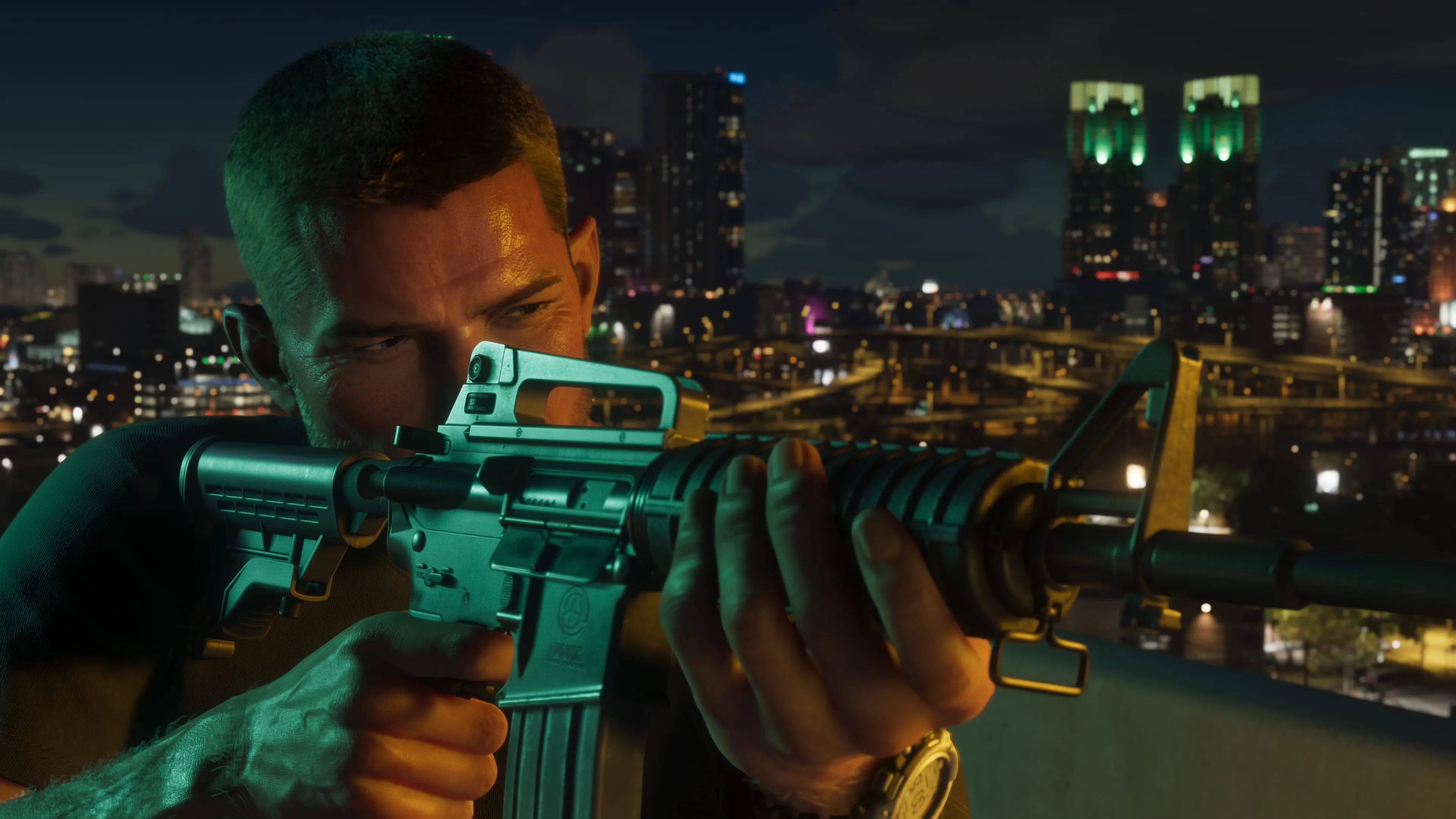
The screenshots show Jason, Lucia and Vice City locations from Rockstar’s official media.



FAQ
6 questionsCurrent GTA VI pre-orders are available for PlayStation 5 and Xbox Series X|S.
Standard includes the game. Ultimate includes the game plus the Ultimate Edition Upgrade content, and Standard owners can buy that upgrade separately later.
No. Rockstar says the physical box contains a digital download code.
No. Physical buyers get Standard Edition and can later buy the Ultimate Edition Upgrade digitally.
For pre-order planning, preload begins at local midnight on November 12, 2026.
PlayStation codes are region-dependent; Rockstar lists Xbox codes as not region-locked.