 COSM-GAME
 Grow a Garden
Grow a Garden is a Roblox farming game about turning a personal plot into a larger and more valuable garden through repeated planting and harvesting. Players buy seeds when the shop restocks, plant them in the soil, wait for the crops to mature, and harvest what they grow for profit. The restocking shop keeps the loop moving by changing when new seeds become available to buy, so players regularly return to plant another round and improve their gardens. The experience also has a social side, letting players show off what they grow to friends while spending time together in the same Roblox world.
Game summary
On this page
Latest update
Grow a Garden's newest major GAG 1 update is BEANSTALK EVENT PART 2, released September 5, 2026. It expands Beanstalk Island with a new area and a new quest from Jill, adds a Gold Plant cauldron activity that can award a Beanpod Chest, and adds more crafting alongside new activities, pets, plants, and quality-of-life changes.
Release date and status
The original Grow a Garden experience dates to March 25, 2025 and remains released and actively updated on Roblox. The Garden Game now distinguishes the original as GAG 1 in official update posts alongside Grow a Garden 2, so both continue as separate experiences.
| Global release | Mar 25, 2025 |
| Platforms | |
| Global status | Released |
| Pricing model | Free-to-play·In-app purchases |
| Availability | RobloxApp StoreGoogle PlayPlayStation StoreXbox Store |
Platforms and availability
Grow a Garden runs through Roblox on Windows PC, Mac, Android, iOS and iPadOS, PlayStation 4, PlayStation 5, Xbox One, and Xbox Series X/S. The Roblox mobile and console clients are distributed through their respective official platform stores, while desktop players can launch the experience through Roblox. Grow a Garden's own update notes also include console-specific fixes, confirming active console support.
Gameplay and setting
Players begin by buying seeds from a periodically restocked shop, planting them in their garden plots, waiting for crops to mature, harvesting produce, and selling it for Sheckles. Earnings feed back into seeds, gardening gear, sprinklers, pets, eggs, crafting, and other progression systems. Crop mutations and weather can change produce value, while pets provide additional abilities and progression effects. Longer-term systems include direct trading, the Trade World and its Trade Tokens, Garden Ascension and Garden Coins, save slots, garden expansions, and the Garden Guide. Grow a Garden is structured around personal gardens and multiplayer social play rather than a conventional story campaign.
Trailer, screenshots, and media
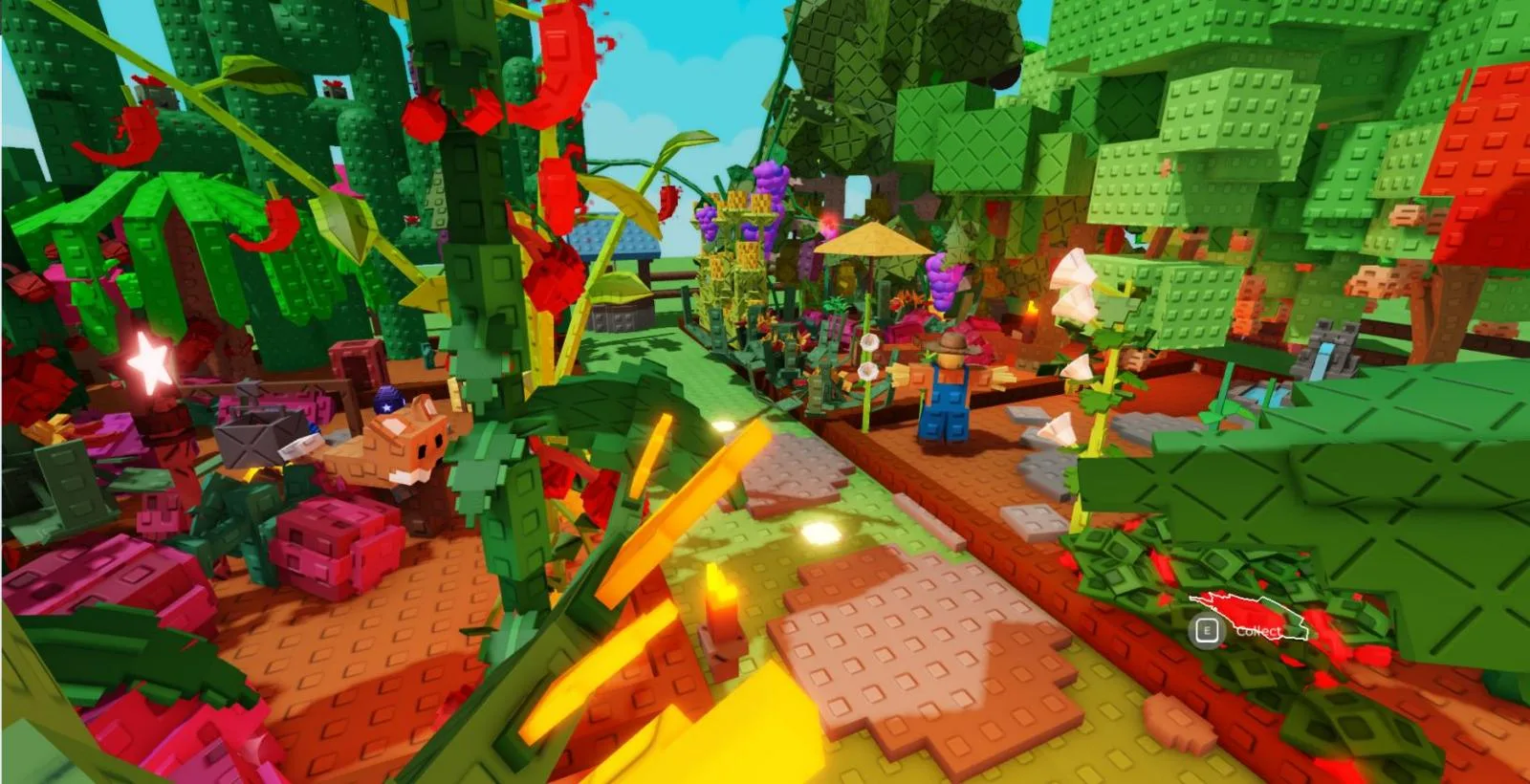
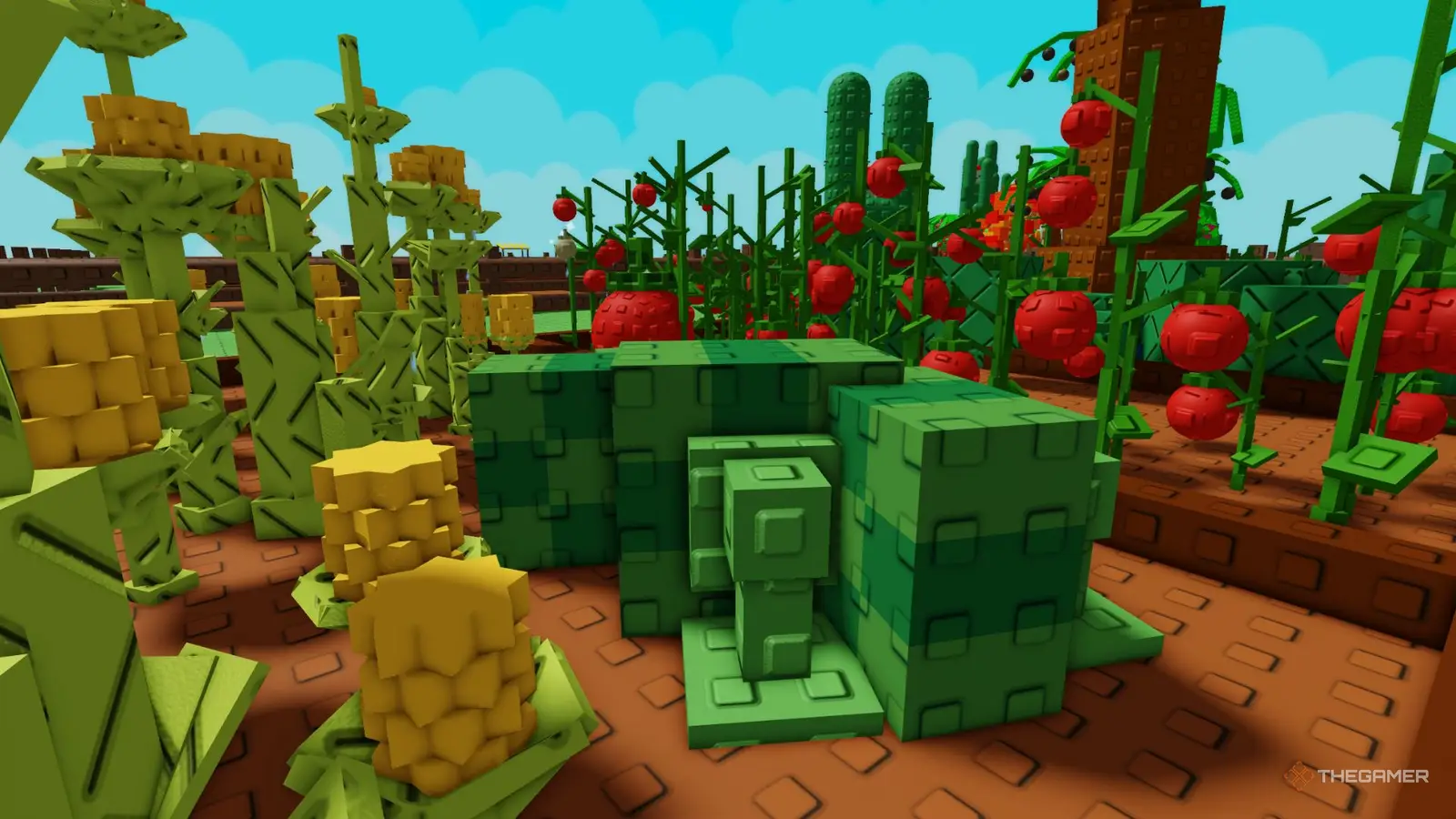
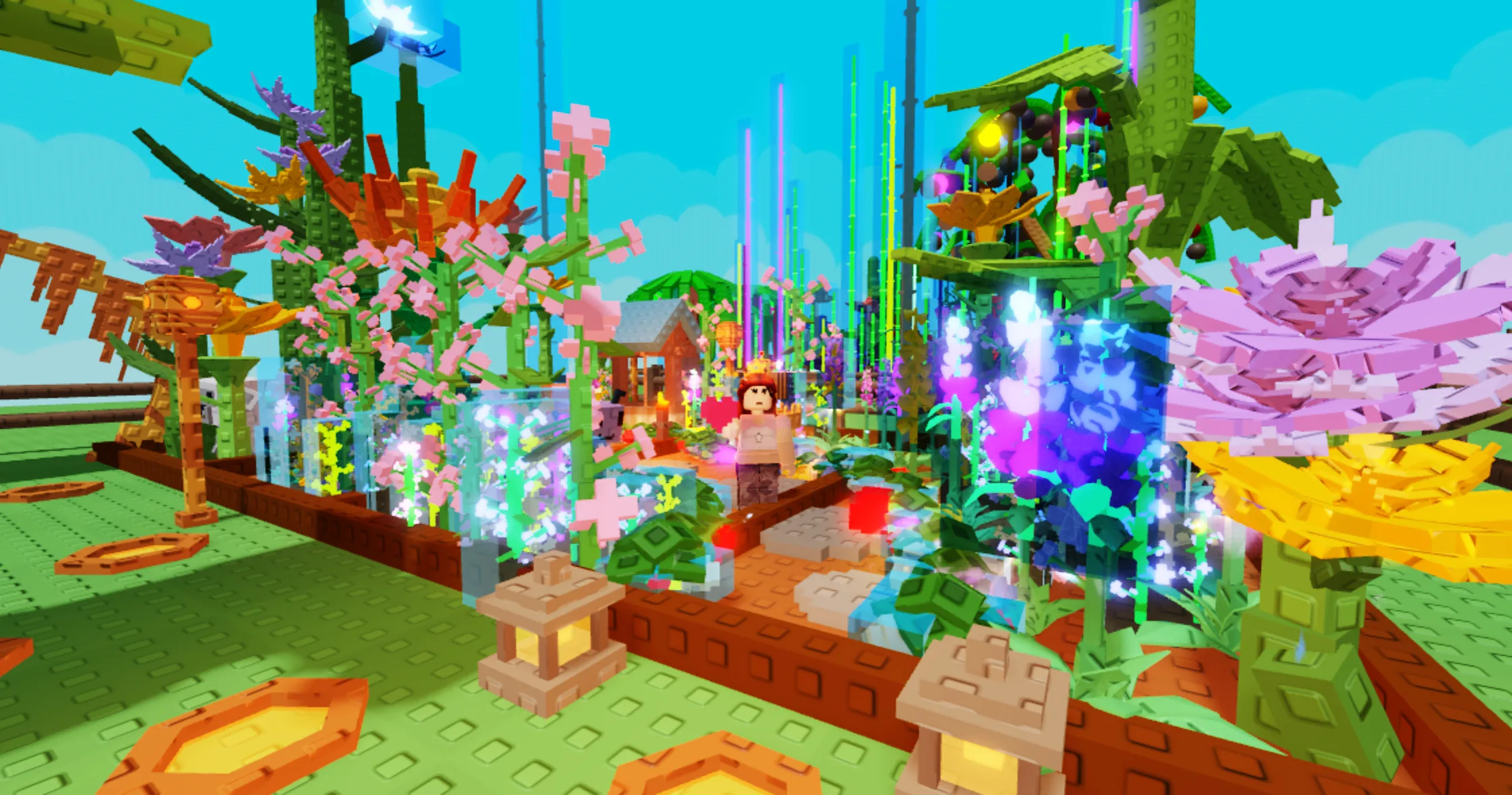
The selected media shows Grow a Garden's colourful Roblox farming environments, cultivated player plots, crop-filled gardens, and seasonal gameplay from the Summer Event trailer.
Developer and publisher
The Garden Game is the creator group attached to the live Grow a Garden Roblox universe and is identified by Discord as the game's developer team. Roblox also publicly identifies Jandel as the creator behind Grow a Garden and describes the development work performed by his team.
| Developer | The Garden Game |
| Publisher | The Garden Game |
| Official website | Grow a Garden |
Download and availability
Grow a Garden is accessed through its official Roblox experience page. Android players use the Roblox app from Google Play, iPhone and iPad players use the App Store version, PlayStation players use the free Roblox client from PlayStation Store, and Xbox players use the Roblox client from Xbox Store. Windows and Mac players can open the experience through Roblox and its desktop client.
System / Device Requirements
Grow a Garden runs inside Roblox, so the current Roblox client requirements provide the applicable platform baseline.
| PC specification | Roblox client requirement |
|---|---|
| OS | 64-bit Windows 10 or Windows 11 |
| Graphics | DirectX 10 or higher feature level support |
| Processor recommendation | Recent processor from 2005 or newer at 1.6 GHz or better |
| Memory recommendation | At least 1 GB RAM |
| Roblox install storage recommendation | At least 300 MB |
| Internet recommendation | 4-8 Mb/s |
- Roblox client requirement
- 64-bit Windows 10 or Windows 11
- Roblox client requirement
- DirectX 10 or higher feature level support
- Roblox client requirement
- Recent processor from 2005 or newer at 1.6 GHz or better
- Roblox client requirement
- At least 1 GB RAM
- Roblox client requirement
- At least 300 MB
- Roblox client requirement
- 4-8 Mb/s
| Mac specification | Roblox client requirement |
|---|---|
| macOS | macOS 10.13 High Sierra or higher |
| Internet recommendation | 4-8 Mb/s |
- Roblox client requirement
- macOS 10.13 High Sierra or higher
- Roblox client requirement
- 4-8 Mb/s
| Android specification | Minimum |
|---|---|
| OS | Android 8.0 or higher |
| Graphics API | OpenGL ES 3.0 or higher |
| Internet connection | 4-8 Mb/s minimum |
| iOS / iPadOS specification | Minimum |
|---|---|
| OS | iOS 14 or iPadOS 14 or higher |
| iPhone | iPhone 6s, iPhone 6s Plus, or iPhone SE |
| iPad | iPad Air 2, iPad mini 4, iPad 5th generation, or iPad Pro |
| Internet connection | 4-8 Mb/s minimum |
| PlayStation 4 specification | Value |
|---|---|
| Supported hardware | PlayStation 4 |
| Internet connection | Required |
- Value
- PlayStation 4
- Value
- Required
| PlayStation 5 specification | Value |
|---|---|
| Supported hardware | PlayStation 5 |
| Internet connection | Required |
- Value
- PlayStation 5
- Value
- Required
| Xbox One specification | Value |
|---|---|
| Supported hardware | Xbox One |
| Internet connection | Required |
- Value
- Xbox One
- Value
- Required
| Xbox Series X/S specification | Value |
|---|---|
| Supported hardware | Xbox Series X/S |
| Internet connection | Required |
- Value
- Xbox Series X/S
- Value
- Required