 COSM-GAME
 How to Redeem EA SPORTS FC Mobile Codes
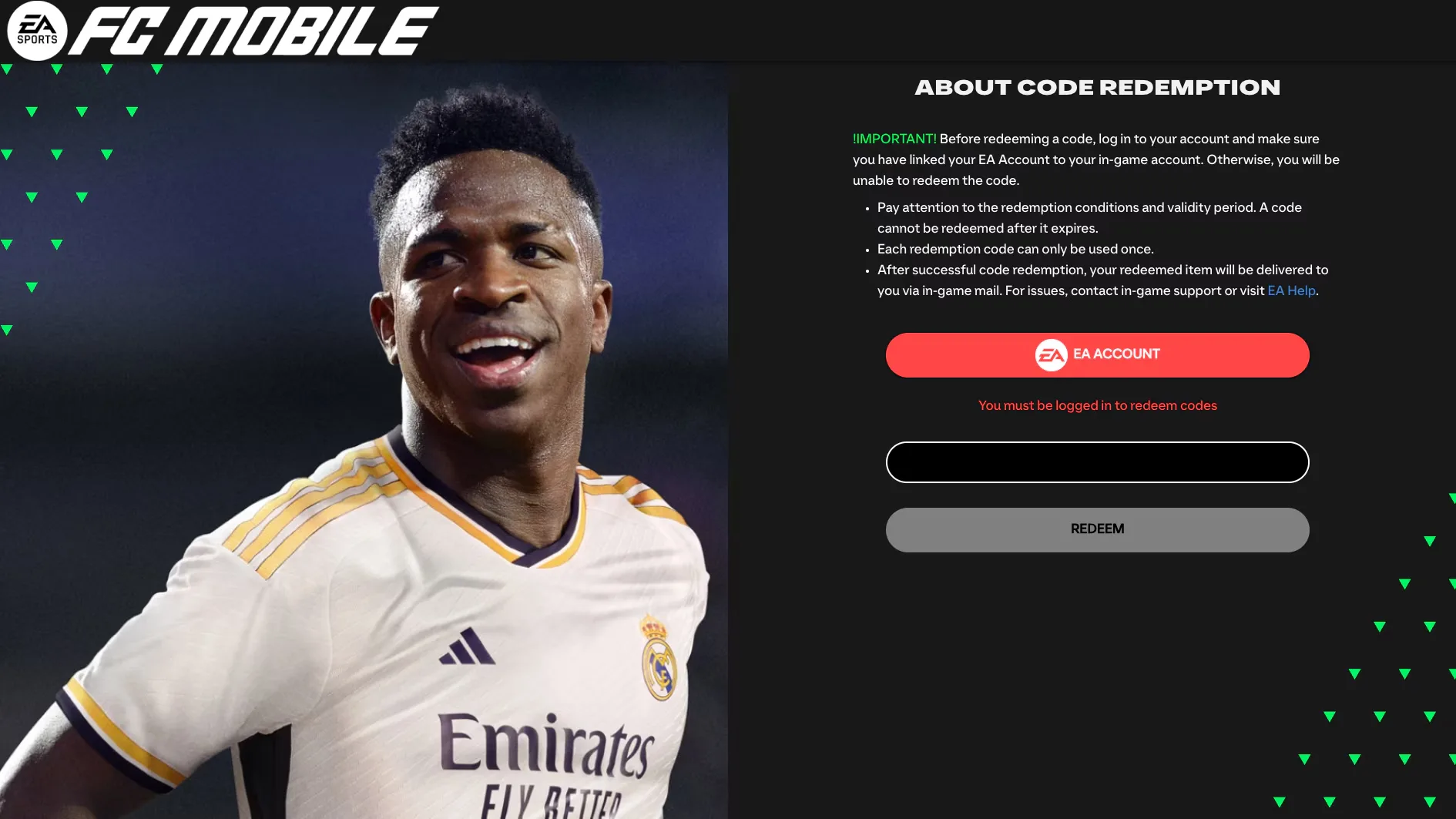
EA SPORTS FC Mobile redeems codes through EA's official browser-based Code Redemption page, not through a code box inside the game. Link the same EA Account to FC Mobile first, then sign in on the redemption site and collect successful rewards from the in-game inbox.
Guide facts
On this page
Link the same EA Account before redeeming
Your redemption-site login must match the EA Account linked to FC Mobile. If you have not linked one yet, launch FC Mobile and open Settings, then under Account Management select Link Accounts and choose EA Account.
EA Help says account links cannot be unlinked after they are made, so check that you are signing into the account you intend to keep before confirming the link.
Redeem an FC Mobile code in seven steps
Settings > Account Management > Link Accounts > EA Account.REDEEM.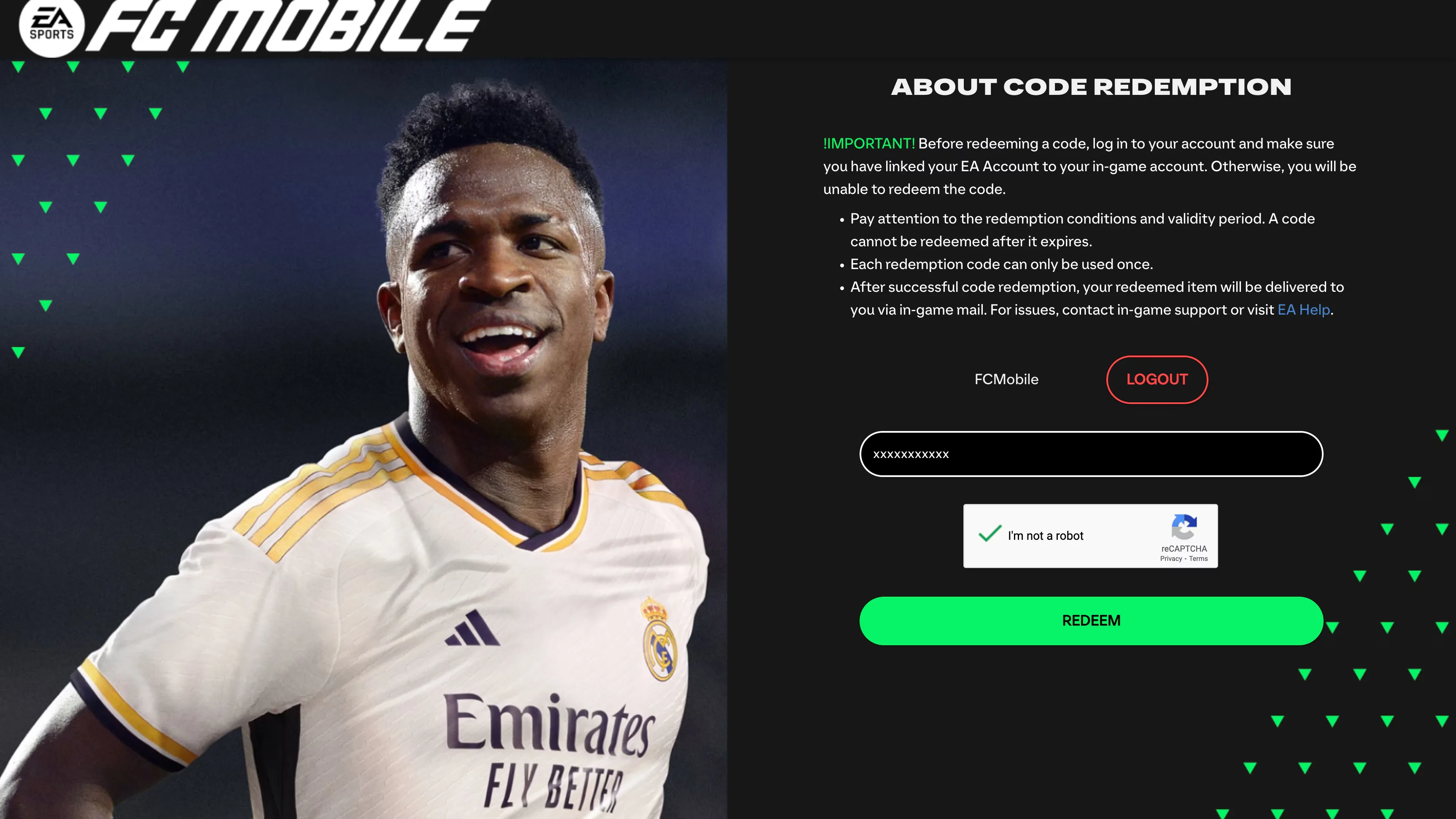
Rewards arrive in the in-game inbox
After the website displays a successful redemption message, open FC Mobile and check the in-game inbox. EA notes that the reward can take up to a few minutes to become visible, so a short delivery delay does not necessarily mean the redemption failed.
Each code works once and can expire
- Each redemption code can only be used once.
- A code cannot be redeemed after its validity period expires.
- The website account must be the same EA Account linked to FC Mobile.
- Age restrictions and offer-specific redemption conditions can apply.
If REDEEM works but the reward is missing
First verify that the EA Account signed into the redemption website is the same one linked inside FC Mobile. Then wait a few minutes and check the in-game inbox again. If the reward still does not appear after a successful message, EA directs players to in-game support or EA Help for further assistance.
FAQ
6 questionsEA directs players to the FC Mobile Code Redemption website in a web or mobile browser. Sign in there with the EA Account linked to the FC Mobile account that should receive the reward.
Yes. EA says the same EA Account used on the redemption website must also be linked to your FC Mobile account in the in-game Settings.
After a successful redemption message, check the in-game inbox. EA says rewards may take up to a few minutes to become visible.
No. EA states that each redemption code can only be used once.
No. EA says codes have redemption conditions and validity periods, and a code cannot be redeemed after it expires.
EA Help says that once an account has been linked to FC Mobile, it cannot be unlinked, so verify the account you are choosing before you confirm the link.