COSM-GAME
 StarSavior Coupon Codes for September 2026

StarSavior Coupon Codes can provide free Stellagems, Observation Tickets, Journey Invitations, and other useful progression rewards. New coupons commonly appear through Developer Talk broadcasts, update programs, anniversary showcases, seasonal events, and official social announcements. We check official sources daily to separate coupons you can still redeem from expired codes kept for reference.
Codes summary
On this page
StarSavior Active Codes
3 working codesThe Active Codes table contains public StarSavior coupons currently supported for the Global service. Check each row for its reward, campaign context, and any verified redemption deadline before entering the coupon.
| Code | Rewards | Region | Released | Expires | Info |
|---|---|---|---|---|---|
10 Prism Telescopes + 10 Journey Invitations + 300 Galactic Guidance Stones | Global | Sep 17, 2026 | Oct 15, 2026 | ||
1,000 Stellagems | Global | Sep 10, 2026 | Oct 8, 2026 | ||
10 Featured Arcana Observation Tickets | Global | Sep 4, 2026 | Oct 1, 2026 |
Expired Codes
8 archivedThe Expired Codes table preserves older Global coupons from update broadcasts, anniversary showcases, seasonal events, and other official campaigns. Coupons released only for separate regional services are not included in this Global archive.
| Code | Rewards | Region | Released | Expired | Info |
|---|---|---|---|---|---|
10 Prism Telescopes + 10 Journey Invitations + 300 Galactic Guidance Stones | Global | Jul 16, 2026 | Aug 22, 2026 | ||
1,000 Stellagems | Global | Jul 16, 2026 | Aug 16, 2026 | ||
10 Featured Arcana Observation Tickets | Global | Jul 10, 2026 | Aug 9, 2026 | ||
1 Pulsar Core | Global | May 28, 2026 | Jun 29, 2026 | ||
10 Featured Arcana Observation Tickets | Global | May 15, 2026 | Jun 11, 2026 | ||
1,000 Stellagems | Global | May 7, 2026 | May 21, 2026 | ||
10 Featured Arcana Observation Tickets | Global | Apr 16, 2026 | May 14, 2026 | ||
1 Void Savior Icon + 1,000 Stellagems + 10 Journey Invitations | Global | Mar 31, 2026 | Apr 16, 2026 |
Redemption Guide
4 platformsStarSavior uses an in-game coupon menu. Redeem the coupon on the account that should receive the reward, then collect the delivered items from the in-game Mail.
Menu in the upper-right corner.Game Settings.Account Management.Enter Coupon.Confirm.Mail and claim the reward.Menu in the upper-right corner.Game Settings.Account Management.Enter Coupon.Confirm.Mail and collect the reward.Menu in the upper-right corner.Game Settings.Account Management.Enter Coupon.Confirm.Mail and collect the reward.Menu in the upper-right corner.Game Settings, then open Account Management.Enter Coupon.Mail and collect the reward.Code Rules & Troubleshooting
If Enter Coupon is unavailable, complete the opening progression and reach the Main Lobby before checking Account Management again. If a coupon fails, verify its exact spelling, redemption window, service region, and whether the account already claimed it.
StarSavior can announce coupons before their redemption period begins. Do not treat a scheduled coupon as Active until its official start window has opened, and do not restore an expired coupon only because an older list still labels it as working.
Successful rewards are delivered through the in-game Mail. Claim delivered rewards within their storage period instead of leaving them uncollected.
New Code Announcements
Studiobside distributes StarSavior coupons through official news notices, Developer Talk broadcasts, update programs, anniversary showcases, seasonal events, the official X account, and the official YouTube channel. Broadcast campaigns can include immediately redeemable coupons as well as coupons with a scheduled activation window.
Use the Active Codes table for coupons that can be redeemed now. A coupon with a future official activation time should only move into the Active table after its redemption window begins.
Trailer, Screenshots & Media
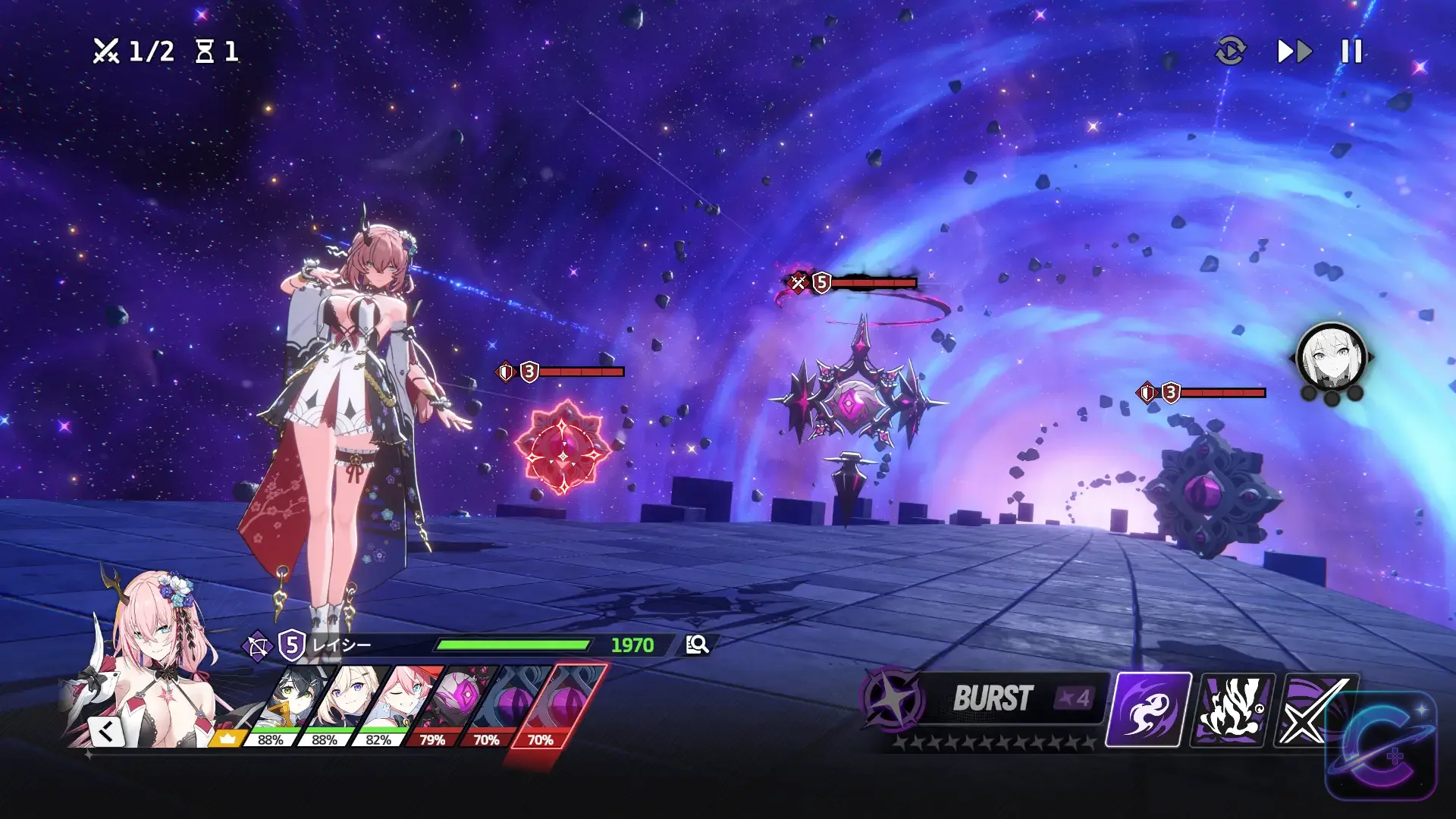
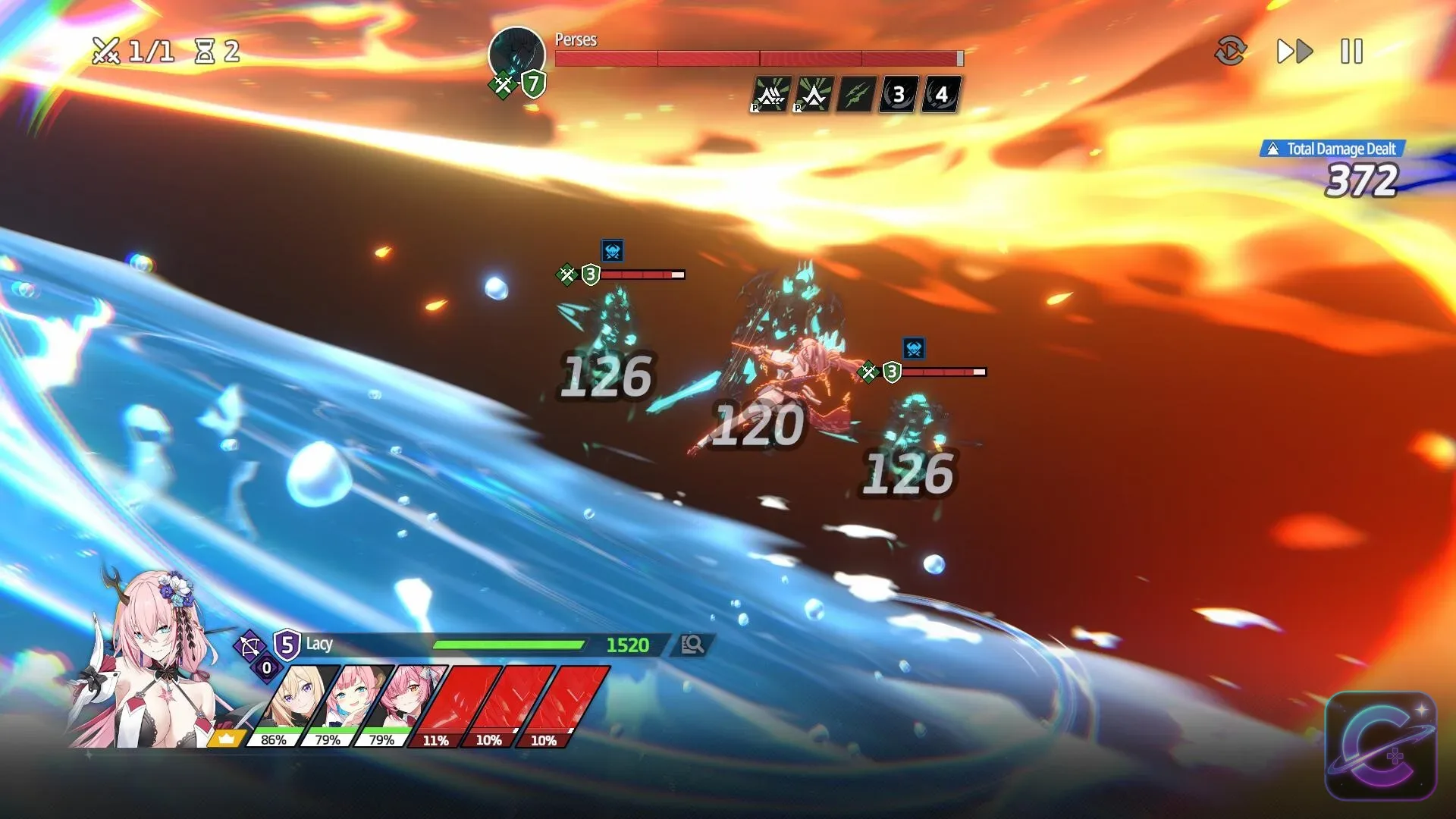
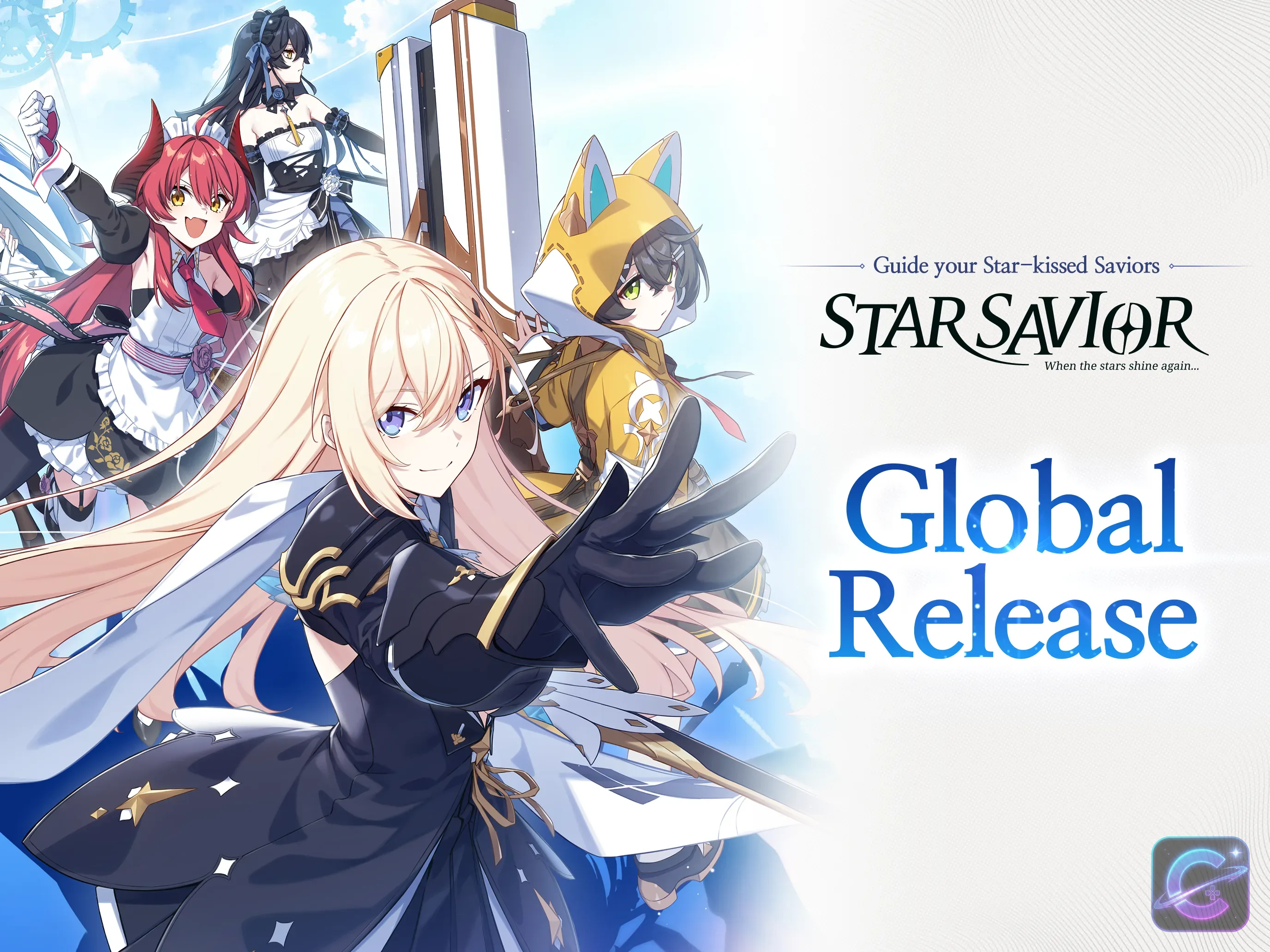
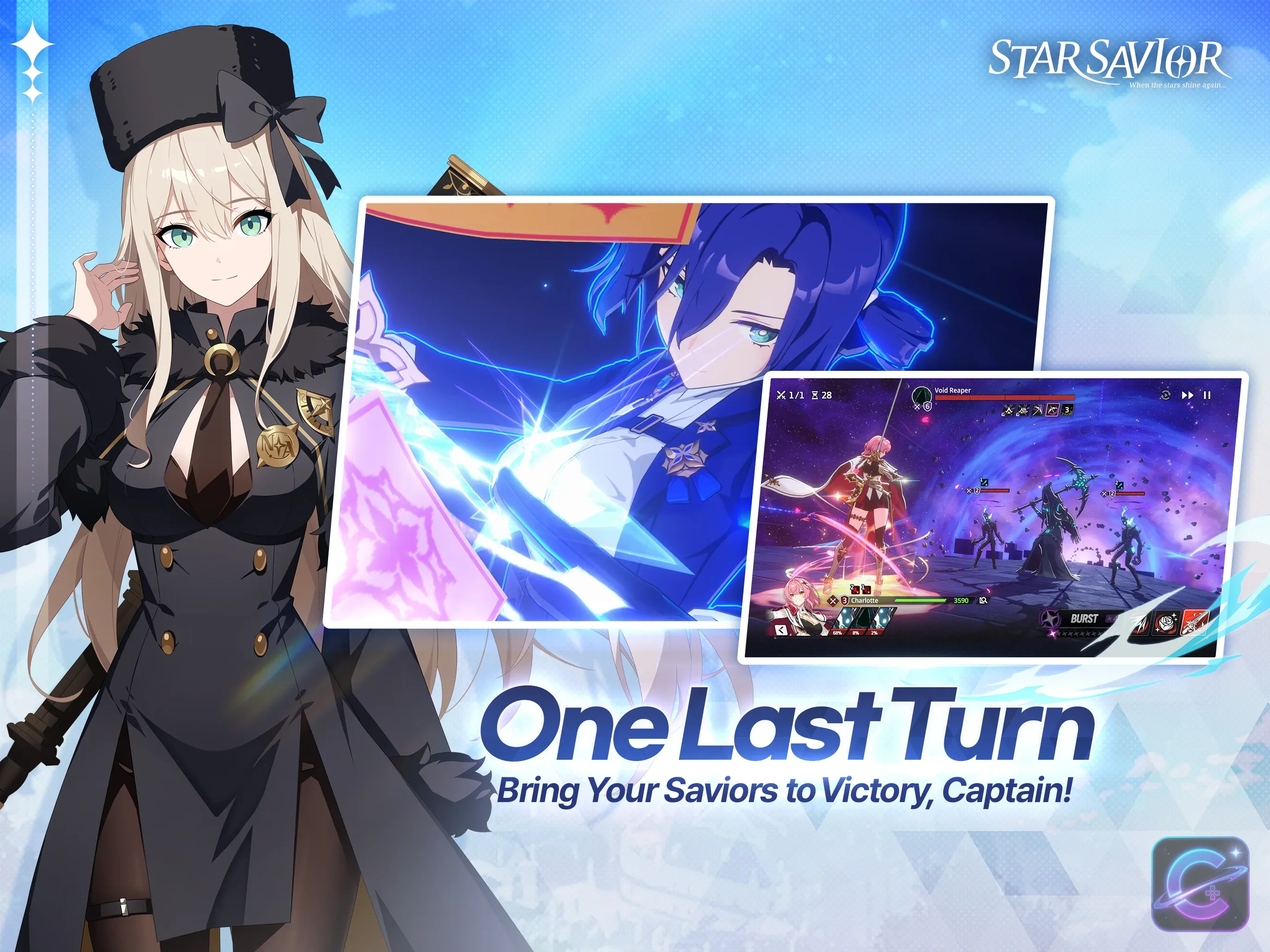
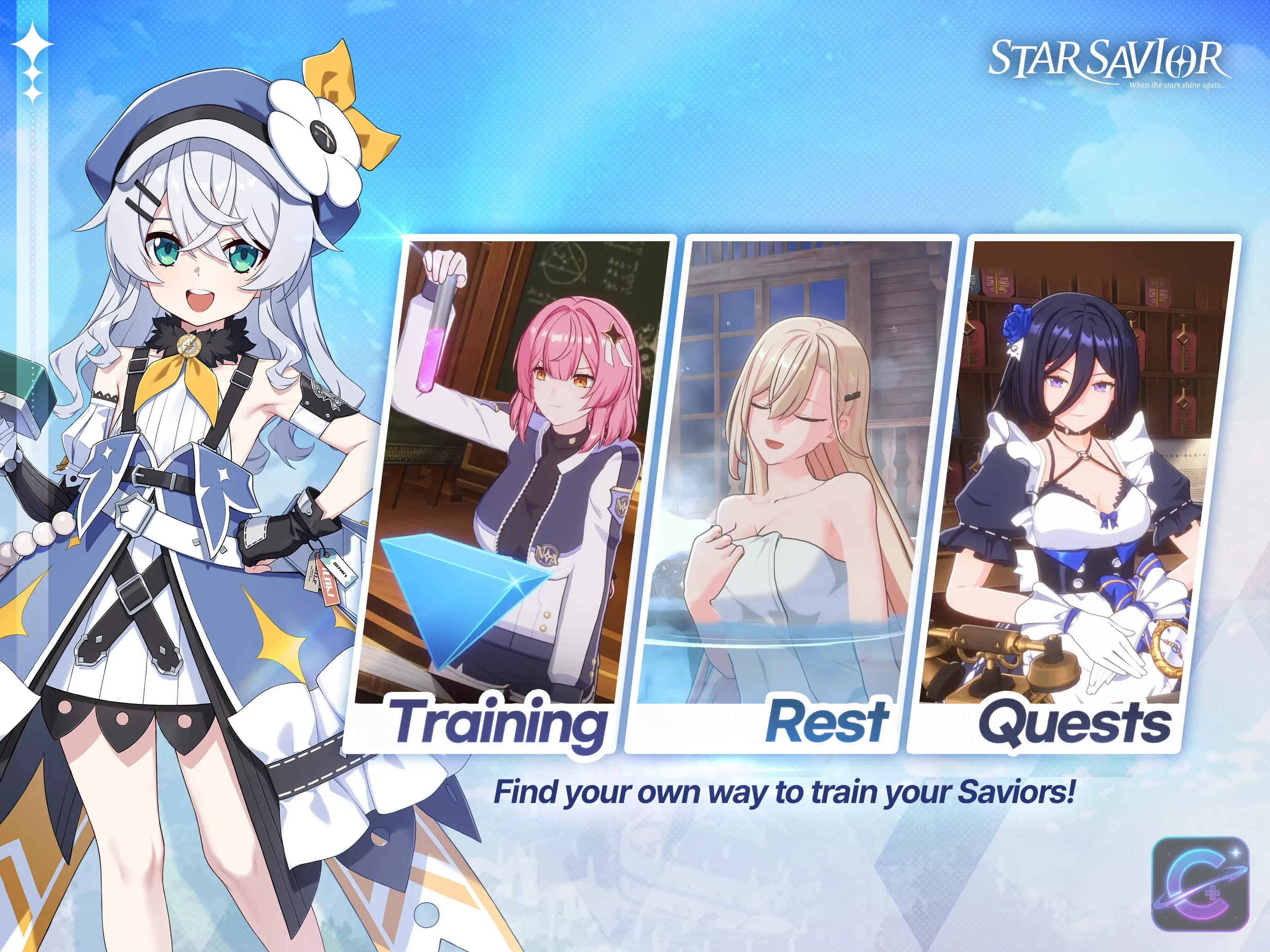
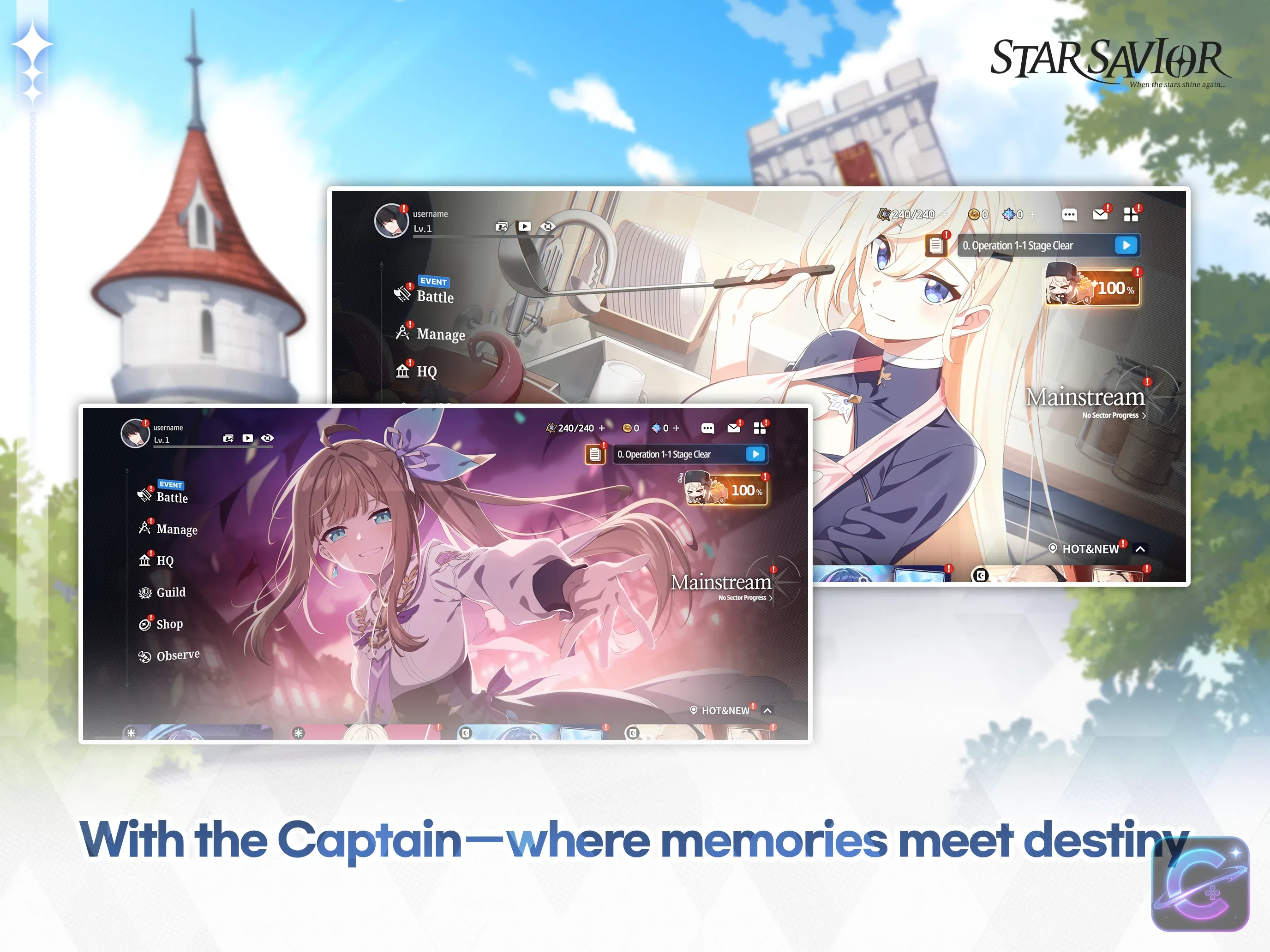
The existing StarSavior gallery and official animation PV remain relevant to the game and its coupon post. No media replacement is required for this repair.

StarSavior Codes FAQ
6 questionsCommon questions about redeeming StarSavior codes.
From the Main Lobby, open Menu, select Game Settings, open Account Management, and choose Enter Coupon. Submit the coupon on the account that should receive the reward, then collect it from the in-game Mail.
Public coupons are normally limited to one redemption per account during their availability period. Another eligible account can redeem the same public coupon independently while its redemption conditions remain valid.
The redemption window may have ended, the coupon may belong to another service region, or the account may already have claimed it. Check the associated official notice before trying the code again.
Studiobside can distribute coupons through official news notices, Developer Talk broadcasts, update programs, anniversary showcases, seasonal events, X posts, and YouTube broadcasts. Some campaigns announce a coupon before the time when redemption actually begins.
Successful coupon rewards are sent to the in-game Mail rather than added silently to every inventory screen. Check the Mail after redemption and claim the reward within the storage period stated by the game.
No. A coupon released only for another service region should not be treated as a Global coupon unless Studiobside explicitly makes it available to the Global service. Always follow the service scope of the associated official announcement.
Sources
15 officialCode data and redemption details are verified against these official and trusted sources.